



























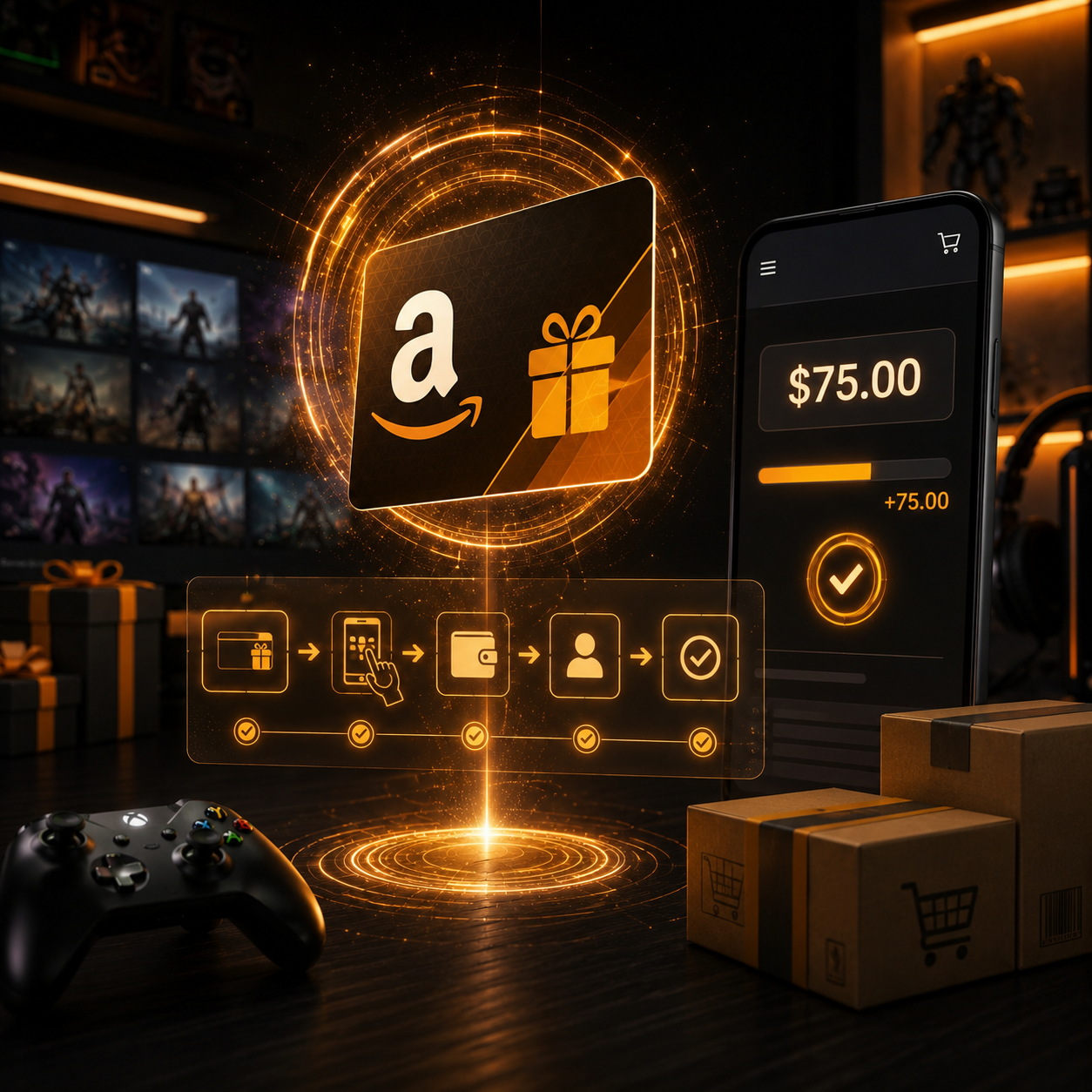
How to Redeem Amazon Gift Card: Step-by-Step Balance Guide
An Amazon Gift Card adds shopping credit to an Amazon account. It can only be used on the Amazon site it was purchased for.
Redeeming the gift card is simple. You just sign into Amazon, enter the claim code, and the credit gets applied to your balance. The credit is available for immediate use. However, there are some important checks to do before redeeming. Make sure to check your account, the Amazon site, your region, and your account’s currency.
In this post I will show you how to redeem Amazon gift card credit using the app and the website. I will also explain how the credit balance is applied to your orders, Amazon site restrictions, and what to do if you can’t redeem your code.
What Is an Amazon Gift Card?
An Amazon Gift Card is a digital code or physical card that can be redeemed for an Amazon gift card balance. The amount on the card is added to your account once you redeem the card.
In the simplest terms, the card provides credit to the account which can be used to buy eligible items on Amazon.
Once the code is redeemed, the balance will be available to the account that redeemed it.
If credits are mistakenly added to the wrong account, tracking them down later could be an issue.
What Can You Use Gift Card Balances For?
Almost all online stores, Amazon included, allow gift card balances to be used on many items on the site. Amazon offers electronics, books, toys, beauty products, household items, apparel, and more, including digital content. Because gift givers don’t need to guess what their friends and family want, many find this option allows more flexibility.
It should be noted that gift card balances aren’t cash. Gift card balances are subject to Amazon’s balance rules and can only be used on qualifying purchases.
If the receiver would rather have a different type of credit, you can check Online Gift Cards as an option.

How to Redeem Amazon Gift Card on Website
If you are wondering how to redeem Amazon gift card balance on Amazon, the process really isn’t all that complicated.
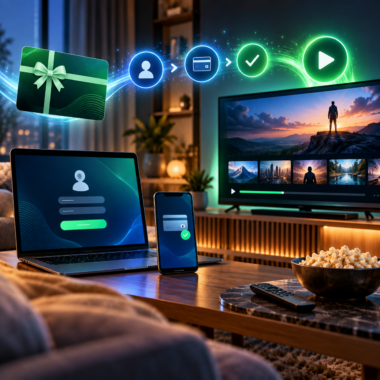
For those with a physical gift card, all Amazon account holders need to do is sign in and go to the redeem gift card page, enter the claim code, and click apply to balance.
Typically, this is how the process is done:
- Access the relevant Amazon site.
- Log in to your Amazon account.
- Go to the gift card redemption section.
- Type the claim code.
- Click “Apply to balance.”
- Ensure the balance is reflected.
Please make sure you’re logged into the correct Amazon account, especially if you are using a shared device, as someone else may be logged into their Amazon account.
Redeeming Amazon Gift Card on Amazon App
Gift cards may also be redeemed on the Amazon app.
As outlined on Amazon, to redeem a gift card in the app, users are required to tap the menu icon, go to Account, Manage gift card balance, then Redeem Gift Card and either enter the code or select the scan option.
This is a good option to have if you want to redeem your card while also carrying it. In fact, scanning it may be easier for app users.
Before redeeming it, check to see if you are logged into the correct Amazon account on the app. If you tend to sign in to several accounts, this is an important step.
When sending a digital Amazon Gift Card to someone else, do not redeem it yourself. Just send them the code and let them redeem it on their account.
Redeeming an Amazon eGift Card
The process involved with redeeming Amazon eGift cards may differ slightly depending on how the digital Amazon gift card was received.
To redeem Amazon eGift cards, users must open the email or text message and click the provided link, sign into their Amazon account, and opt to apply the card to their balance.
eGift cards offer a convenient way to gift cards without having to worry about sending a physical card. Taking some time to apply a gift card code to an account isn’t an issue for most. Codes can be sent to recipients through email, SMS, or even through the gifting platform.
To use the gift card, the recipient needs to be logged in to the account he or she wants to apply the card to.
Can You Redeem an Amazon Gift Card at Checkout?
Typically, yes, most Amazon gift cards can be redeemed at checkout.
Amazon even has a section dedicated to using gift cards in line with their policy. They state during checkout the gift card can be redeemed by pressing the “gift card, voucher, or promo code” button, and entering the provided claim code, assuming it hasn’t already been redeemed.
If you prefer not to have your gift card balance accessible right away, you can wait to add it to your account. To see your credit balance, adding the gift card balance is the easiest option before you checkout.
Generally, the best option for gift card balances is to add it to an Amazon account.

How Your Amazon Gift Card Balance Is Applied
When you redeem the gift card, the balance is applied automatically to qualifying orders.
Amazon help pages clarify that when a gift card is redeemed, it gets used on the next eligible order. If the order total is greater than the gift card’s remaining balance, it will charge the default payment method. If the order total is less than the gift card balance, the difference will remain on the gift card and be saved for next time.
This is important because there may be times you do not want the gift card balance to be used. If that happens, be sure to change the payment option in the section below when you complete the order.
Amazon gift cards can also be used for partial payments. If your order total exceeds your gift card amount, you will be able to pay the difference using another payment option.
How to Check Amazon Gift Card Balance
After learning how to redeem Amazon gift card credit, your next step is ensuring the balance works.
To check if the gift card balance is available, Amazon says for desktop, go to Gift Cards & Top Up and select Manage Your Gift Card Balance. In the app, tap the menu, select Account, and then Manage Gift Card Balance.
If you don’t see your balance, check that you are logged into the Amazon account that redeemed the code. This is a common mistake that happens to people who have multiple accounts.
If your balance doesn’t show up, you may need to refresh the app, log out and back in, or check back later.
Restrictions by Amazon Site and Region
Which Amazon site you are using matters.
Amazon has many different marketplaces, such as Amazon.com, Amazon.com.au, Amazon.co.uk, Amazon.ca, Amazon.de, etc. A single gift card bought for one Amazon marketplace is likely not usable on another Amazon marketplace.
So, you need to make sure you know where the recipient has an account before buying or redeeming. If the recipient has an account at Amazon.com, then the card has to be at Amazon.com. If the recipient has an account at Amazon Australia, Amazon UK, or any other marketplace, then the card has to be from that marketplace.
Amazon gift cards are not valid in all marketplaces, so don’t assume that they are. A gift card from an Amazon site can be completely valid, yet be useless to the recipient because it’s from the wrong Amazon site.
The Currency Matters as Well
Amazon gift cards are typically associated with the currency of the marketplace where the gift card is sold.
For instance, gift cards for Amazon.com are usually affiliated with USD, whereas gift cards for other Amazon sites such as Amazon.com.au, Amazon.co.uk, and Amazon.ca are associated with AUD, GBP, EUR, and CAD, respectively. Issues will arise if the gift card’s currency is incompatible with the Amazon site it is intended to be used on.
You should review the currency of the card, the Amazon site it is associated with, and the recipient’s account marketplace region before redeeming the card.
Having a gift card from the wrong country or marketplace is not a bargain.
Why Is the Amazon Gift Card Code Not Working?
There are a few reasons Amazon gift card codes could be malfunctioning.
It could be due to an incorrect code entry. Ensure you didn’t miss any characters or add any extra spaces, and be careful when distinguishing between similar looking letters and numbers.
It is also possible that the code was previously redeemed. In this case, verify if the balance was credited to a different Amazon account.
The card may be for a different country or Amazon site. This often happens when someone buys a gift card from the wrong marketplace.
The seller may not have activated the card properly. This may happen occasionally with some physical cards or with less reliable sellers.
There could also be a temporary problem with the app or with the account.
Before contacting support, check the code, account, Amazon site, currency, and receipt.
Tips for Avoiding Amazon Gift Card Problems
Most issues when it comes to redemption can be avoided with some prep work before using the card.
The recipient should use the correct Amazon site for the card. Make sure you are on the right account. Check the seller’s description. Make sure to enter the code right. Keep the order confirmation. Do not post screenshots of an unclaimed code or a full code.
When buying a gift card, consider Amazon accounts and the marketplace the recipient actually uses.
If the recipient prefers apps, games, or gaming, then another card may be more suitable. Consider gift cards like Apple Gift Card, Google Play Gift Card, Steam Gift Card, Xbox Gift Card, PlayStation Gift Card, or Nintendo Gift Card.
Is an Amazon Gift Card Balance Useful?
Yes, an Amazon Gift Card balance is useful for frequent shoppers on the corresponding Amazon site.
It offers some flexibility. Instead of getting a product that may not fit their needs, they can choose the item they want.
The card allows spending to be more controlled because it has a preloaded value that the user can spend on qualified purchases.
If the user does not shop on Amazon, does not use the Amazon marketplace, or would rather have a cash-type card, then it is not suitable.
Concluding Remarks
The process of learning how to redeem Amazon gift card balance is straightforward. However, the details concerning the account and marketplace with Amazon are of great importance.
Redeeming can be done on the Amazon site, on the app, or at checkout. The account balance is used to pay for qualified purchases, and the remaining balance is kept for future purchases.
Before redeeming the gift card, make sure you are on the correct Amazon account, the correct marketplace, and confirm the code you received. If the code does not redeem, then check all of those things again along with your activation receipt.
An Amazon Gift Card online is a great gift for shopping, as long as the card is for the recipient’s Amazon site.