


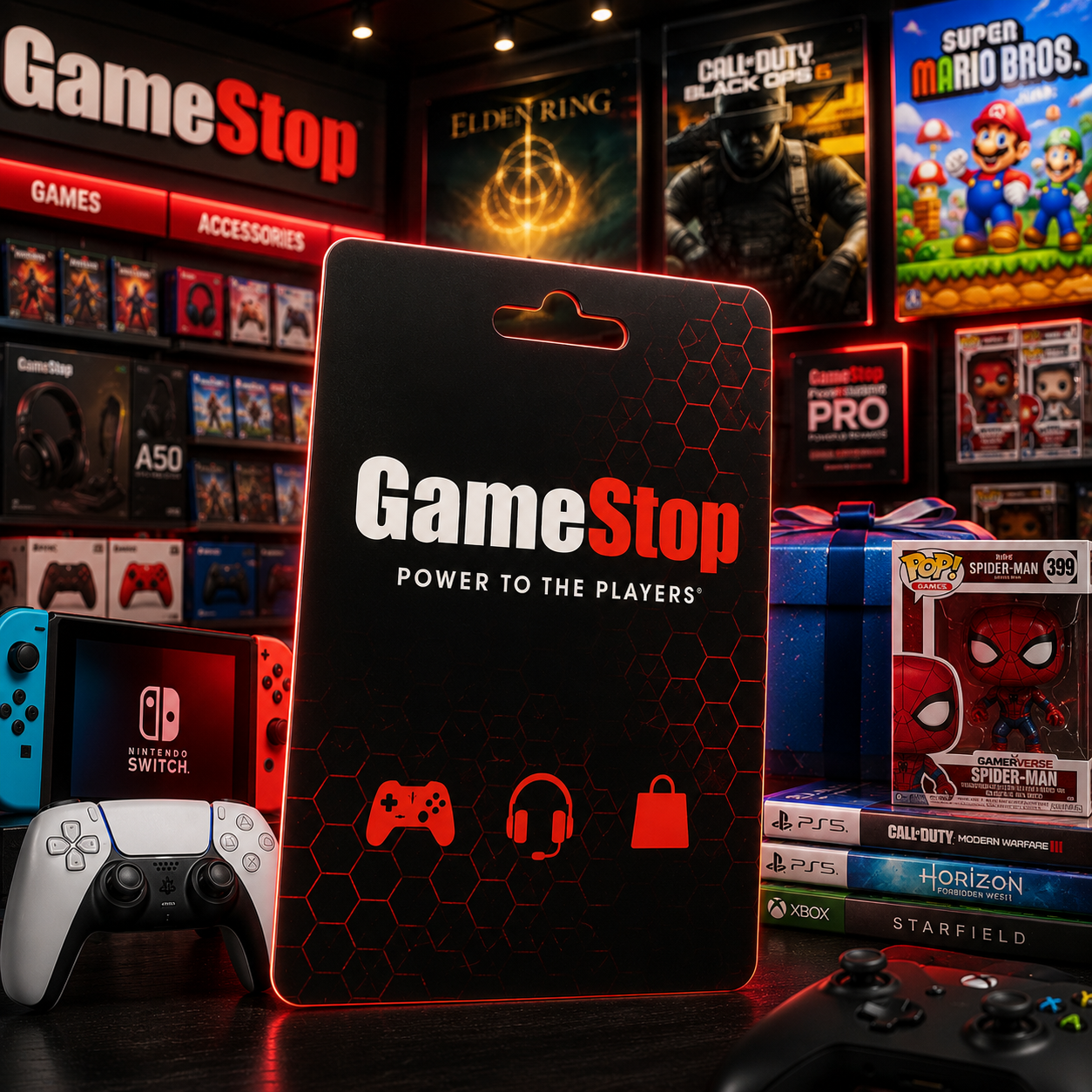
How to Use GameStop Gift Card Online and In Store
This guide explains how to use GameStop gift card online and in store, how to check the remaining balance, and what products may be restricted. Getting a gift card is a painless way to buy games, consoles, accessories, and some digital products without the hassle of tracking down your credit card.
A card can only be used for its intended purpose within the correct country, currency, and GameStop market. Digital and physical cards also have differences in delivery and redemption. Reviewing product information can help you avoid making a purchase only to find that payment is not accepted.
What Is a GameStop Gift Card?
A GameStop gift card is a prepaid card that you can use for purchases at GameStop. These cards can be delivered in several ways. Physical cards can be received as a gift, while digital codes can be emailed to you with the card number and PIN.
GameStop gift cards can be used to purchase video games, controllers, gaming accessories, gaming headsets, gaming consoles, and some gaming collectibles through GameStop stores. Availability can vary depending on whether the purchase is made through the online store or at a physical location.
A GameStop gift card is not equivalent to a PlayStation, Xbox, Nintendo, or Steam gift card. GameStop gift cards can be redeemed at GameStop, while the other gift cards are redeemed in their respective gaming marketplaces. Always check that the product description states where the card can be used.
How to Use GameStop Gift Card Online
When checking out on GameStop.com, you should see a field for a gift card number and PIN. The card number may be concealed behind a scratch-off, while a digital card’s PIN is usually included in the delivery or confirmation email.
To reach checkout, add the items to your cart and fill out your shipping information and email address. The payment method screen will appear next. Select Gift Card or Store Credit from the drop-down menu for payment. Once you enter the gift card number and PIN, the balance will be applied to the order.
The payment summary should show how much of the gift card balance has been used and whether any balance remains. If the order total is at or below the gift card balance, you may be able to complete the purchase using only the card. If the total is higher than the balance, you may need another payment method for the remaining amount.
The checkout method may vary depending on the website and country where you are located. If a gift card payment option is not available, make sure you are using the website for the correct country and that the card can be purchased and used online.
Review the total on the checkout page before confirming the order. The total may include additional costs such as taxes, shipping, and delivery fees. The gift card balance may not cover the full amount even if it seems to match the listed product price.
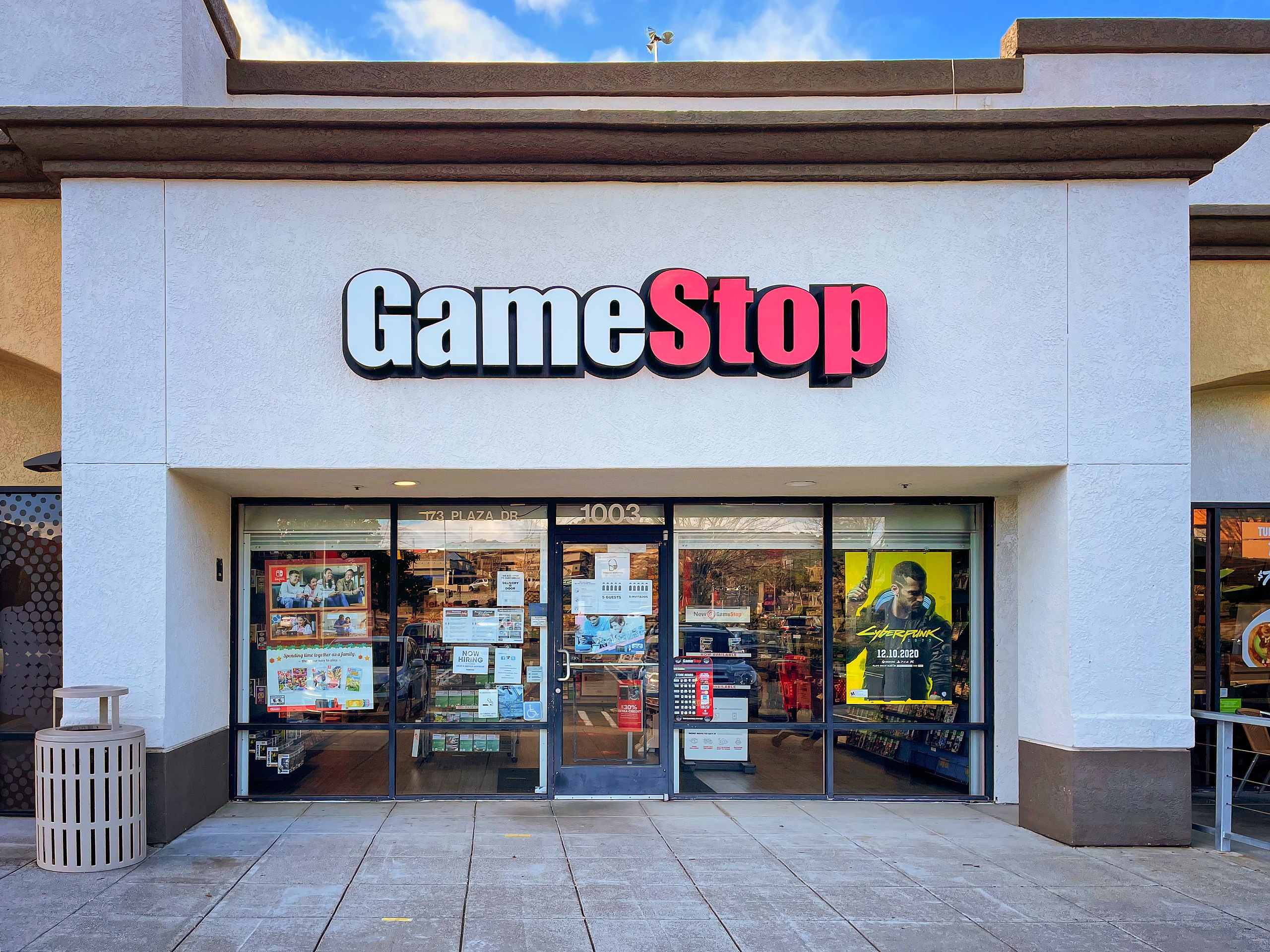
How to Use GameStop Gift Card In Store
When you are ready to shop in store with your GameStop gift card, bring the physical card with you or have the digital card information available on your phone. Take it to the checkout counter and tell the cashier that you want to use the gift card for your purchase.
Digital gift cards with barcodes may be scanned, while the cashier may need to enter a physical card number or PIN manually. Some stores may accept a gift card number, barcode, or PIN delivered by email, so keep the original message available in case the cashier needs to verify the information.
Knowing the gift card balance before making a purchase can help you decide how much of the order you can pay for with the card. Confirm that the correct amount is charged. If there is a balance remaining, you can ask whether another payment method is accepted for the rest of the purchase. Store policies can vary and may change over time.
A gift card can be useful for merchandise that is better viewed in person before purchasing. It may be convenient for buying used games, gaming products, trading items, or collectibles that are available in store and online.
Purchasing a GameStop gift card can be convenient if you want to inspect merchandise in person before buying it. For items such as gaming consoles or used and collectible accessories, you can use the gift card in store, but you may also choose to buy online.
Checking Your GameStop Gift Card Balance
It is possible to check the card balance at a checkout counter. Have the physical card or digital delivery message ready, as both the card number and PIN may be required.
Save the receipt as purchase confirmation until you can verify the amount deducted. You can use the receipt to confirm the balance if you think an incorrect amount was charged.
Just because you have used the card before does not mean you can use the original value again. Check the balance yourself to make sure you do not overspend. Digital cards may show the original value in the delivery email, but this does not mean that the full amount is still available.
If the card has been used for more than one purchase, confirm the remaining balance before placing a larger order. This can help you avoid payment issues at checkout or at the store counter.
Product and Purchase Restrictions
Because some purchases and products are restricted, GameStop gift cards may not be used to buy other gift cards or certain prepaid cards. Some cards may also be restricted from purchasing selected memberships or participating in certain offers. Accepted payment methods may be listed on the product page and checkout page.
Returns and refunds may vary when a product is paid for with a gift card. Refunds may be issued according to GameStop’s current refund policy rather than being paid in cash. Keep the receipt and understand the return policy before completing a purchase.
Restrictions for GameStop gift cards may also apply at a country or market level. A card purchased in one region may not be usable in a GameStop store or on a website operating under different currency rules. Changing the webpage language or using a VPN does not necessarily remove these restrictions.
If the gift card is for someone in another country, make sure you know their preferred shopping method. This is especially important when shopping online, as the website domain and delivery location may affect whether the card is accepted.
Is a GameStop Gift Card Worth It?
If you know someone who buys a lot of gaming products, a gift card may be a useful purchase. They may not know which exact product to buy, but there are many gaming-related products that the card may be used for.
It can be an especially good purchase for someone who wants to buy a gaming console, a game, or an accessory. It can also be suitable for someone who may want to buy a gaming collectible.
The card may offer less value to someone who lives in a different country, rarely shops at GameStop, or wants a universal balance that can be used at other retailers. In that case, a more general gift card may work better.
GameStop gift cards cannot be used to withdraw cash or transfer value between accounts. Once the card is used, the remaining value is permanently tied to that GameStop market.
Safe Buying and Payment Advice
Before purchasing, check the card value, supported country, currency, delivery method, whether the card can be purchased or used online or in store, and the refund policy. Buyers should know how the card is delivered and in which stores it can be used.
Avoid offers that:
- Fail to disclose the card’s region and currency.
- Ask for your GameStop account password.
- Include payment terms that are different from the normal checkout process.
- Are vague about delivery or refunds.
- Offer a large discount without explaining the conditions.
Never send your card number or PIN to anyone unless it is required through an official redemption or support request. Hold onto the delivery email until the balance has been redeemed.
You can see available offers in the prepaid gift card store. For additional gaming-related gifts, look at the Gaming Gift Cards section.
Other Gift Card Options
If the recipient enjoys music or other online services, Entertainment Gift Cards may work better.
For prepaid payments, you can also look at Payment Gift Cards. Depending on the merchant and region, these gift cards may have different coverage, so check the terms and conditions before making a purchase.
For shopping that requires more flexibility, Shopping Gift Cards may give the recipient the freedom to choose what they like. Instead of a gaming gift card, a Supermarket Gift Card may be more appropriate for grocery shopping.
Conclusion
Knowing how to use GameStop gift card online and in store is a simple process when the card matches the correct country, currency, and GameStop market. Online users need to enter the card number and PIN at checkout, while in-store users can present the physical or digital card to the cashier.
Knowing how to check the balance, understanding product restrictions, and holding onto the receipt are all helpful. If the recipient’s region or shopping preferences are unknown, a broader gaming gift card or shopping gift card may be a better option.


