


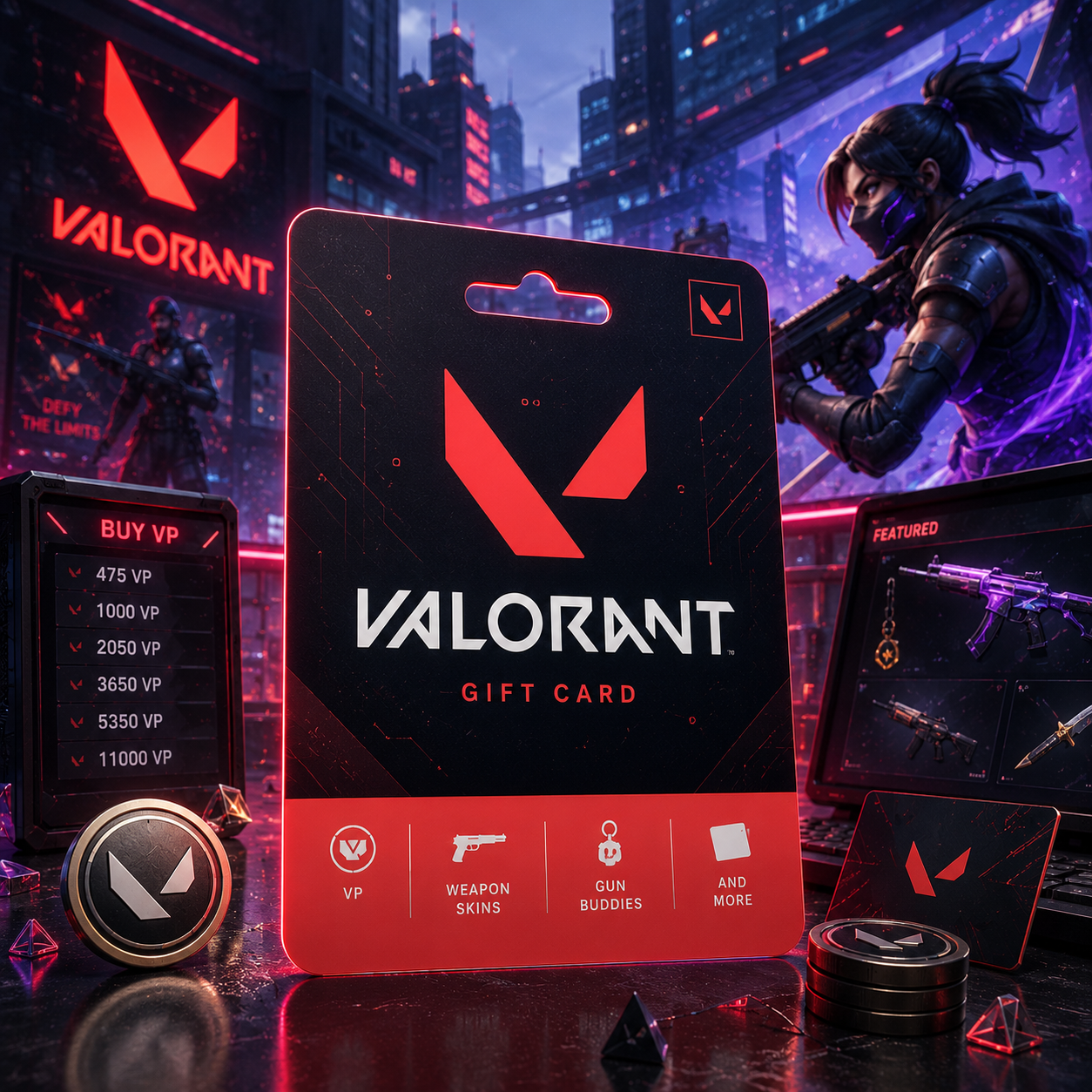
How to Redeem Valorant Gift Card: Your Ultimate VP Guide
Whether you bought a Valorant gift card for yourself or as a present for a friend, you probably want to know how to redeem Valorant gift card codes correctly. Valorant gift cards are used to purchase cosmetic items in the game. However, several country-specific product terms must be checked. This article will help you understand the details of redeeming gift cards in different regions, as well as what to do when you do not see your VP or receive an error with your code.
What Does a Valorant Gift Card Include?
A Valorant gift card is a digital code that provides you with VP or VALORANT credit. VP is the in-game currency used to buy cosmetic items and bundles, as well as the game’s Battle Pass from the VALORANT shop.
The actual name of the product can differ from region to region. Some gift cards are exclusive to VALORANT accounts, while others may be intended for Riot accounts and specific markets. A League of Legends gift card, for instance, should not automatically be assumed to work as a VALORANT gift card.
If you are looking to make your gameplay more enjoyable, VALORANT gift cards can be used for game add-on skins, bundles, or Battle Pass purchases. Promotional offers may also be available at certain times, so check the product details before buying.
When purchasing or redeeming a code, read the product description carefully. Confirm the denomination, country, currency, eligible game, delivery method, and any regional restrictions. If the card is a gift, ask the recipient which country is associated with their Riot account.
Check Your Riot Account Before Redemption
The code must be added to the correct Riot account. If you have multiple accounts, double-check which account you are signing into and the username displayed before redemption. It may not be possible to move or retrieve the credit if a code is redeemed on an account that is not intended for the code.
The regional check that matters most is the country or market associated with your Riot account. Just because you join a match that places you on a particular server does not mean that server is your account region. Switching from one match server to another does not change the account’s country, currency, or redemption market.
A card purchased for one country may not work with an account registered in another country. Using a VPN or changing the language of Riot Client does not change your account region. Verify the account region before purchasing the card, especially if you are buying it for someone else.

How to Redeem Valorant Gift Card Codes in Riot Client
The code redemption process is simple as long as the card matches your account:
- Sign in to Riot Client and log in to the correct Riot account.
- In Riot Client, launch VALORANT.
- Visit the store or select the VP purchase option.
- Click the “Prepaid Cards & Codes” option, or a similar redemption option.
- Enter the gift card code exactly as shown in the delivery message.
- Confirm the redemption after checking the account and code details.
- Check the VALORANT store to see whether your VP balance has been updated.
In some regions, users may have to visit a Riot redemption page separate from the client. If that happens, follow the instructions displayed on the product page or the official Riot redemption page.
Do not add extra spaces or substitute letters and numbers. If there are unclear characters in the code, do not guess. Check the original delivery message carefully. Keep the order confirmation and code details until you see that the VP balance has been updated.
Checking Your VP Balance
Review your VALORANT VP balance after redeeming a gift card. You may need to close the game completely and sign in again before the updated balance appears.
VP is not the same as other in-game currencies. When you purchase a VALORANT gift card, it will only be converted into VP. To purchase other currencies, such as Radianite Points or Kingdom Credits, you may need to make separate purchases.
If the code was accepted but the balance has not changed, do not enter the code again immediately. First, shut down Riot Client and check the username. Restart Riot Client and review the confirmation message. The balance may be delayed, but that does not necessarily mean the code was rejected.
Server and Region Restrictions
One of the most frequent issues users experience while redeeming Valorant gift cards involves region restrictions. A product may be available only for certain countries or currencies, and Riot may set different rules for different market regions.
Your location and the region of your Riot account may not be the same. Simply changing Riot account settings may not be enough to change the account region. Similarly, buying a gift card from a server’s country does not guarantee that it will work with your account.
Before purchasing the gift card, compare the currency and country shown on the product page with the region connected to your Riot account. Confirm which game the code is intended for and whether the card provides direct VP redemption or platform credit.
If the card is not compatible, repeated redemption attempts will not solve the problem. Contacting the seller may be more useful than trying to bypass a regional restriction.

How to Redeem Valorant Gift Card Codes: Common Issues
There are several reasons users may encounter problems when redeeming gift cards. In many cases, the code was entered incorrectly or contains an unclear character.
- The code has already been redeemed.
- The card can only be used in another country or with another currency.
- The product is intended for another Riot game or platform.
- Riot Client or the redemption service is experiencing a temporary problem.
First, cross-check the code with the original delivery message. Then verify that you are using the correct Riot Account. This helps avoid trying to redeem a code that has already been used.
For temporary service errors, wait before trying again. Restart Riot Client and check for connection problems. Do not continuously submit a code while the service is unavailable.
If the code is still invalid, contact the seller or Riot Support through the official support channel. Have your order confirmation, receipt, country, currency, purchase date, and amount information ready. Publicly posting your code or Riot password is not safe, so do not share this information with anyone who claims to be able to help.
Safe Buying Advice
Make sure the seller’s product page discloses the card value, currency, supported country, delivery method, redemption instructions, and refund policy. A reputable seller will not request access to your Riot Account or ask for your password.
Be careful with unusually cheap offers, unclear regional information, or sellers asking for payment outside the normal checkout process. Codes should be delivered through a secure method, and you should keep your receipt until the code is redeemed.
You can find prepaid products in the prepaid gift card store. Players who are looking at other gaming-related options can visit the Gaming Gift Cards section.
Other Prepaid Gift Card Options
If the recipient enjoys other digital services, Entertainment Gift Cards might be a more flexible option. These gift cards can be used for streaming or other digital entertainment.
For prepaid payments in general, check Payment Gift Cards or a Flexepin voucher. These products have different merchant coverage and country restrictions, so check the details before purchasing.
For gifts that are not limited to gaming, consider Shopping Gift Cards.
Conclusion
Knowing how to redeem Valorant gift card codes is simple when the code matches the correct Riot account, game, and region. The main steps are careful code entry, confirming the redemption, and checking the VP balance afterward.
If a code does not work, first check the region, product type, code status, and service availability. When buying for another player, confirming the player’s Riot account country before purchasing is one of the best ways to avoid redemption problems.


