How to Use Farmers Gift Card Online and In Store
Farmers Gift Cards can be used for purchases across fashion, beauty, homeware, toys, and electronics sections. If you want to know how to use Farmers gift card online and in store, check the type of gift card, its balance, redemption instructions, and any regional restrictions before going to checkout.
There are different gift card formats. You may need to enter a card number, PIN, barcode, or code during the checkout process. Keep the digital receipt until the full balance has been used, as the process may differ between online and in-store purchases.
What Is a Farmers Gift Card?
A Farmers Gift Card is physical or digital prepaid credit that can be used for eligible purchases at Farmers. Check the description to see whether it can be used online, in store, or both. Some cards may only apply to purchases made on the Farmers website.
A physical gift card usually has a card number and barcode, while a digital card may include the same information in an email, along with a PIN and instructions for use.
When comparing gift card options, check out Shopping Gift Cards for other shopping choices.
How to Use Farmers Gift Card Online
For anyone learning how to use Farmers gift card online, the process is usually simple. The general flow is to select eligible products, add them to your cart, and enter the gift card details at checkout.
First, go to the correct New Zealand Farmers website. Check whether the gift card can be used to pay for the products you want. Once confirmed, add the products to your cart and review the total price, including taxes, delivery charges, and other costs.
Once you reach the checkout page:
- Select the option that suits you, such as “sign in” or “continue as a guest.”
- Enter your delivery and contact details.
- Choose the gift card payment option.
- Enter the gift card PIN if prompted.
- Review the balance and total amount due.
- Confirm the payment and save the order confirmation.
For payment systems that use a gift card PIN, you may need to enter it in a specific payment field. If the instructions are unclear, do not enter the card information into a payment field that does not correspond to the Farmers website instructions.
If the gift card balance is not enough to pay the total, check whether the site accepts another payment method for the remaining amount. Split payment is not always available, so do not assume that another gift card or credit card can be used.
Using Farmers Gift Cards In Store
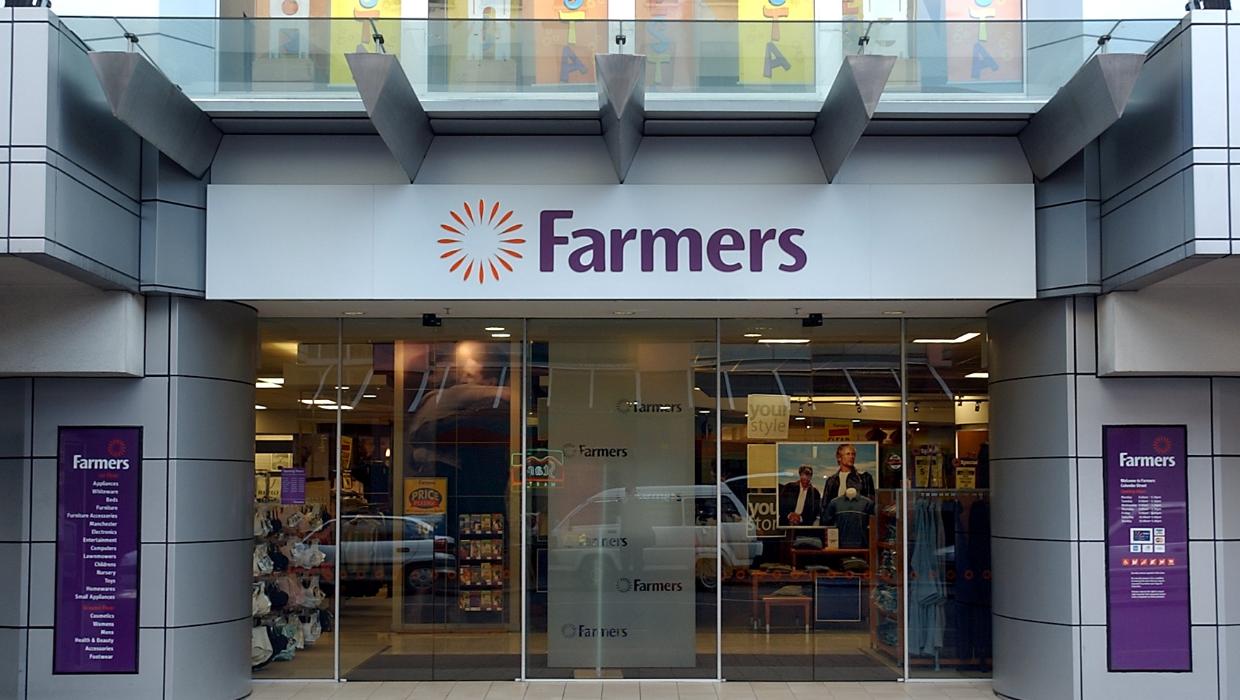
Using Farmers Gift Cards in store is straightforward if the store accepts gift cards for in-store purchases. Go to the checkout and let the cashier know that you are paying with a gift card.
For a digital Farmers Gift Card, show the barcode and details from the original email or display the barcode clearly on your device. Some stores may have specific requirements for digital gift cards, so keep the instructions provided with your card.
The staff may scan the barcode or enter the card number and PIN, if applicable. Check that the correct amount is deducted and keep your receipt so you can check the balance later.
In-store shopping can be useful for clothing, fragrance, furniture, and toys because you can check the size, condition, and availability before paying.
How to Check the Balance on Your Farmers Gift Card
Your balance may appear during an online purchase or after an order has been completed. Some gift cards may have their own balance-checking option, while others require you to ask a Farmers employee.
Check your most recent receipt to see whether the remaining balance is shown. For digital cards, save the email in which the gift card was delivered and review the instructions for balance information.
If the balance does not look right, check whether a previous order was completed, cancelled, or partially paid. Delivery charges, taxes, refunds, and payment reversals can all affect the available balance.
A balance may remain on a card after a purchase, but the card terms may include expiry or inactivity conditions. Do not assume that unused credit will remain available permanently.
Partial Payments and Split Payment
A Farmers Gift Card may not cover the total cost of an order. This can happen when the order includes shipping, taxes, a higher-priced item, or a balance that has already been partly used.
For online orders, check whether there is an option to pay the remaining amount with another supported method. For in-store orders, tell the cashier that you would like to use a gift card and another payment method for the rest.
Whether a gift card can be combined with a debit or credit card may vary by system. The same may not apply when using multiple Farmers Gift Cards, so confirm the payment options before finalizing the order.
If split payment is unavailable, choose items that fit within the remaining gift card balance or use another payment method for the full purchase.

Common Issues and Restrictions
A Farmers Gift Card may have country, currency, store, and redemption channel restrictions. A card purchased for New Zealand may not be accepted on a different website or in a store connected to another country.
Some products, services, promotional items, or special orders may have separate payment terms. The card may also be restricted to online transactions, in-store transactions, or both.
If a digital code does not work, double-check that it was copied correctly and has not already been redeemed. For a physical card, make sure the barcode is visible and the card number is readable.
Refunds and returns may also be handled differently when a gift card is used. A refund may be returned to the gift card instead of being paid in cash. Keep your receipt and review the Farmers return policy before making a purchase.
Safe Use and Card Protection
Before buying online, make sure the seller clearly outlines the card value, country, currency, delivery method, redemption process, and other gift card rules. You can compare digital and prepaid gift cards at the gift card store. For other prepaid payment methods, visit Payment Gift Cards.
Never give your Farmers account password to a seller. Posting the card number, PIN, or barcode online is not recommended. Keep the receipt and confirmation email until the entire balance has been used.
If you need a gift for someone else, Supermarket Gift Cards may be a good option for groceries. Entertainment Gift Cards and Gaming Gift Cards may be better suited to digital entertainment and gaming purchases.
Conclusion
Once you understand how to use Farmers gift card online and in store, the process follows a simple structure: confirm the card details, identify eligible items, enter or scan the card, and check the remaining balance.
Check whether split payment is available if the balance does not cover the total cost. Always review the region, product restrictions, expiry terms, and refund rules, and safeguard your card details and receipt until you have used the credit.