




























How To Redeem Roblox Gift Card For Robux or Premium
A Roblox Gift Card is an excellent option to add some prepaid credit to a Roblox account. Once the card is redeemed, the user can spend the credit on Robux or a subscription to Roblox Premium.
This is also great for gift buyers. There is no need to guess which avatar item, game pass, or upgrade the player wants. The player can redeem the card, and decide what to buy at a later date.
This guide will go over how to redeem Roblox gift card codes and explain why redeeming the code via a browser is important, how Roblox Credit works, deciding between Robux and Credit, and using the balance to purchase Roblox Premium.
What Is a Roblox Gift Card?
A Roblox Gift Card is either a prepaid card or a digital code that is entered on a Roblox account. After the card is redeemed, the value is added to Roblox Credit unless it is one of the special cards that can be redeemed for Robux.
Roblox states that balances from redeemed gift cards are stored as Roblox Credit. However, it is important to note that some Party Packs Gift Cards or certain Amazon Gift Cards are Robux only and cannot be redeemed for credit.
Put simply, most Roblox gift cards will add credit to an account. The user can then choose from eligible Roblox purchases how to spend that credit.
If you are comparing gifts for gamers, you can also browse more Gaming Gift Cards before choosing.

Why Should You Redeem Roblox Gift Cards in a Browser?
If you are asking yourself how to redeem Roblox gift card codes, the main thing to keep in mind is that the standard process involves a web browser.
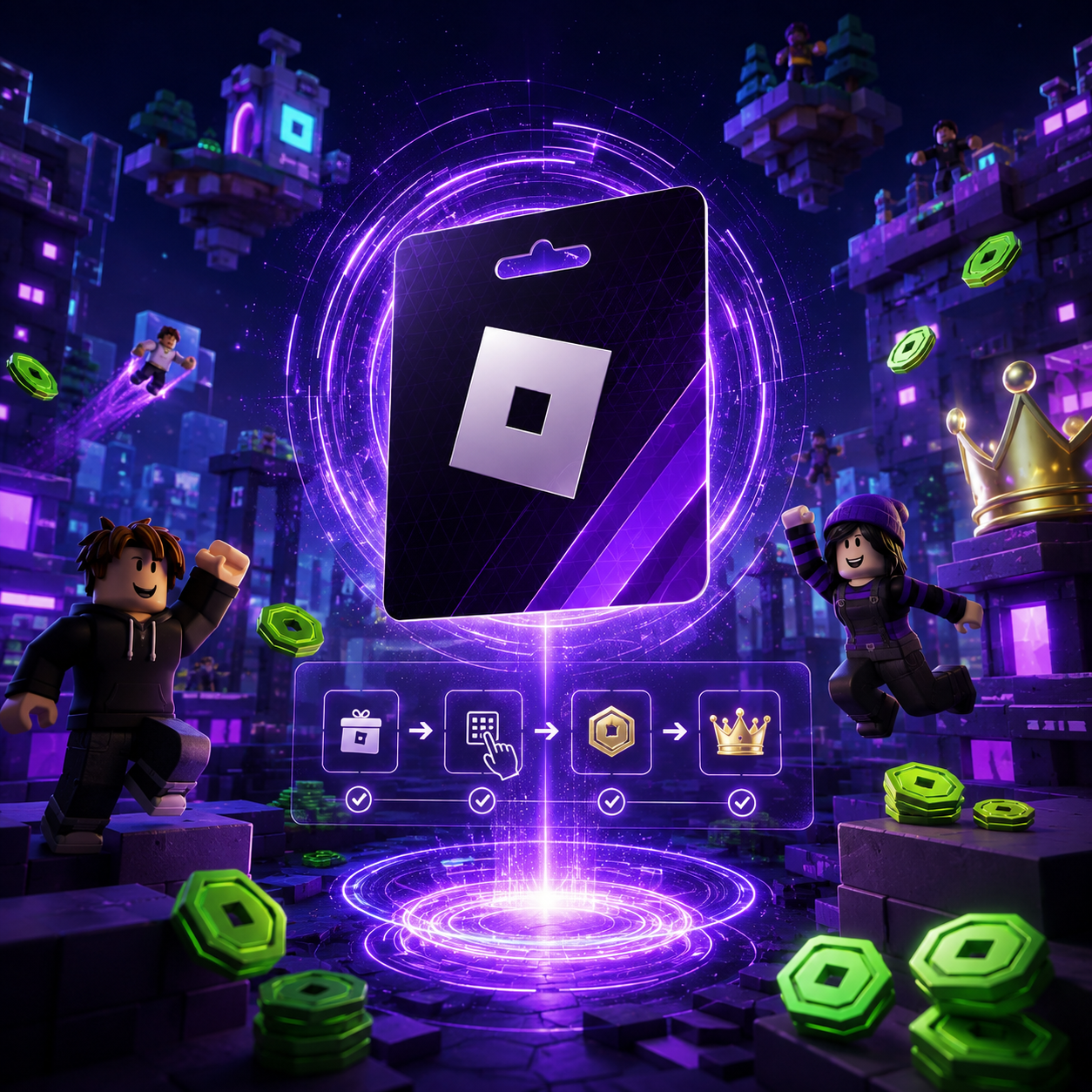
According to Roblox’s help page, gift cards and codes can be redeemed by visiting Roblox.com/redeem, logging into the account, entering the code, and hitting the Redeem button. A confirmation message will appear if the credit or item has been successfully added to the account.
This is an essential step as most users try to redeem cards on the mobile app or on a console and do not know that the option exists.
For most users, the safest method is the browser option. Open Roblox in any browser like Chrome, Safari, or Edge, sign in to the correct account, and redeem the code there.
Roblox does mention that there is an option for app redemption on Samsung Galaxy devices, but for the majority of users, browser redemption is the way to go.
How Do You Redeem Roblox Gift Cards?
Here’s the process in a nutshell:
- Use a web browser.
- Navigate to Roblox.com/redeem.
- Log into the correct Roblox account.
- Enter the gift card code in the designated box.
- Hit the Redeem button.
- Wait for the confirmation message to pop up.
- Check your Roblox Credit balance to see the update.
Before entering the code, ensure that you are signed in to the correct account. If the code is redeemed on the wrong account, the credits will be fixed to that account.
If you are sending a digital Roblox Gift Card to someone else, let them redeem it themselves. This avoids the credit being added to your own account by mistake.
Step 1: Log Into the Correct Roblox Account
Before you redeem the code, check the Roblox account carefully.
Some users have more than one Roblox account. A player may have an older account, a newer account, or an account that is linked to a different email.
Once the gift card is redeemed, the credit is added to that account. If it’s the wrong account, the balance won’t be easy to move.
Before you redeem the gift card, check:
- Username
- Email address
- Account login method
- Whether this is the account used by the player
This is especially important for parents buying cards for children. Do not redeem the card on the parent account unless that is the account where the Robux or Premium will be used.
Step 2: Enter the Roblox Gift Card Code Carefully
The code needs to be entered exactly as shown.
If the code was sent by email, copying and pasting it can be helpful. However, sometimes hidden spaces are copied too. If that happens, the code may fail.
Check for:
- Extra spaces
- Missed characters
- Incorrect letters or numbers
- Lookalike characters
- Copy and paste mistakes
- Redeemed codes
- Codes that have already been claimed
Do not share screenshots of your code because gift card codes work like prepaid value.
Step 3: Check Your Credit or Robux
Most gift cards convert to Roblox Credit. After redeeming a gift card, Roblox says your account balance will be converted to Roblox Credit.
However, some marked cards may convert to Robux.
This is why we recommend checking the description before buying.
A typical Roblox Gift Card will likely convert to Roblox Credit.
A card marked Robux will convert to Robux.
Some cards will grant a virtual item, and Roblox states that every Roblox Gift Card will give one free virtual item when the card is redeemed.
The Difference Between Roblox Credit and Robux
New users can be confused when trying to understand this difference.
Your account balance that you see when you log in is the Roblox Credit.
Robux is the currency you can buy in the game. You must spend Robux to buy things like avatar skins, game passes, private servers, and upgrades.
When users redeem gift cards and see Roblox Credit, it’s not an error. The credit is meant for purchasing Robux or subscribing to Roblox Premium.
Per Roblox’s policies, credit may only be used to purchase Robux or a Roblox Premium subscription. The ability to do so is based on availability and pricing.
How to Use Roblox Credit to Buy Robux
Once a user redeems a gift card, Roblox Credit can be used to purchase Robux. The steps can vary based on user account and region. The general steps are:
- Log into Roblox from a web browser.
- Head to the page for buying Robux or the billing section of your account.
- Specify how many Robux you want to buy.
- If available, choose Roblox Credit as your payment option.
- Complete the transaction.
- The Robux should now be reflected in your account.
In case of insufficient credit, the user will have to use an alternative payment method or buy a lower quantity of Robux.
This is why it’s important to check the balance on the card before purchasing. Some cards may be used to purchase small amounts of Robux, but regular players will need a higher value card.
How to Use a Gift Card to Purchase Roblox Premium
If the user’s account is eligible, a Roblox Gift Card can be used to purchase Roblox Premium. Roblox Premium is a subscription service that grants users a fixed amount of Robux every month, along with additional benefits to the account. For active users, the Premium subscription is preferable to just buying Robux.
In most cases, users have to do the following steps to purchase Premium with Roblox Credit:
- First, the gift card must be redeemed.
- Second, it should show that Roblox Credit has been added.
- Third, go to the Premium subscription page.
- Fourth, select the Premium plan.
- Fifth, select Roblox Credit as the payment method if it comes up as an option.
- Lastly, finish the subscription.
Roblox Credit can only be spent on purchases that are eligible. If Roblox Credit is unavailable as a payment method for Premium, make sure to check the account, region, balance, and the availability of Premium.
Should You Choose Robux or Premium?
After learning how to redeem Roblox gift card credit, the next thing to figure out is the best way to spend it.
Robux is ideal for players that want something immediately. Maybe they want a new avatar item, a game pass, or an upgrade in a Roblox experience.
Premium is suited best for regular players. The subscription has to be active for Premium to give a monthly amount of Robux. It probably will not benefit players that do not use Roblox often.
In basic terms:
If the player wants a single purchase, go for Robux.
If the player plays often and needs ongoing monthly Robux, go for Premium.
If they want to leave it up to the player to decide later, go for Credit.
This is one reason a Roblox Gift Card online works well as a gift. The buyer does not have to decide for the player.
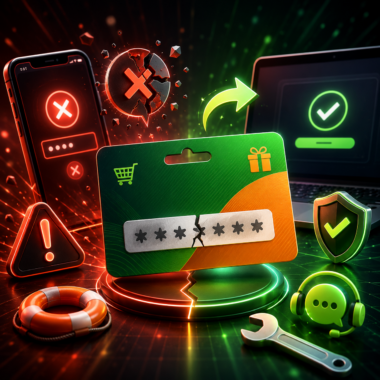
Why Is My Roblox Gift Card Not Working?
Sometimes the code does not redeem properly.
The most common issues are:
- The code was entered incorrectly.
- The code has been redeemed already.
- An incorrect Roblox account was used.
- The card has not been activated.
- The code is for another type of card.
- The page on the browser has a temporary problem.
- Payment limits exist on the account or region.
Start with basic checks. Try re-entering the code without any spaces before or after it. Ensure you are on Roblox.com/redeem.
If it still fails, refer to the order confirmation and reach out to the seller. Should the seller verify the code as valid, then reach out to Roblox Support.

Things to Check Before Buying a Roblox Gift Card
Some checks need to be done before buying an online Roblox Gift Card.
Check whether recipient plays Roblox.
If they want Robux or Premium, that is also important.
Make sure the card amount is appropriate.
Check whether the card is for Roblox Credit or direct Robux.
Buy from a trusted seller.
The code must only be sent to the right person.
If it is a gift, do not redeem the code.
Most problems can be avoided by performing these simple checks.
If the player enjoys other platforms too, you may also compare it with Steam Gift Card, Xbox Gift Card, or PlayStation Gift Card.
How to Avoid Problems When Redeeming
Problems with most Roblox gift cards can be avoided.
Do not share the code with anyone to keep it private.
Be careful when entering the code and do it slowly.
The seller should be reliable, otherwise you might have issues.
Make sure to keep the receipt as proof of purchase.
To redeem, only use Roblox.com/redeem.
Check if the balance is shown as Roblox Credit after redeeming.
You may need a parent or guardian’s help if the recipient is younger. Some terms for Roblox gift cards indicate that parent or guardian consent is needed if users are under the specified age.
Can You Use a Roblox Gift Card for Robux or Premium?
If the player is already using Roblox, then yes, a Roblox Gift Card is a good choice.
It allows the player to choose how they want to use the gift card. Depending on the card type and account settings, they can use the credit for Robux, Roblox Premium, or eligible Roblox purchases.
It serves the player’s purpose as well as parents’ because it gives a spending limit. The player can only spend the value of the card.
The gift buyers also find it easier because they don’t have to choose a specific item since the recipient can decide later. However, it is a bad gift if the player does not play Roblox or if they want a general-use prepaid card.
For a wider gift option, you can also check other Online Gift Cards.
Conclusion
Understanding how to redeem Roblox gift card codes is simple but the process needs to be followed.
Open a browser and go to Roblox.com/redeem. Log into the correct Roblox account, enter the code, and check if you received Roblox Credit or Robux. You can use the balance for Robux or Premium if the account supports it.
A Roblox Gift Card is flexible because it gives the player options. They can choose Robux for one-time purchases or Premium for ongoing monthly Robux.
To avoid problems, buy from a reputable seller, keep the code confidential, and instruct the recipient to redeem the card on their own Roblox account.