



























How to Redeem Apple Gift Card: App Store and Apple Account Guide
Adding credits to your Apple Account using an Apple Gift Card is a great way to make Apple purchases. However, once you redeem the gift card, you can only use the card value on qualifying purchases. This includes Apple apps, Apple games, music and movie purchases, Apple subscriptions, in-app purchases, iCloud service, and depending on your region, purchases of Apple products.
Most of the time, the process is simple. You sign in to the correct Apple Account, enter the code, and wait for the balance to be added. However, the steps can look different on iPhone, iPad, and Mac.
Here’s how to redeem Apple gift card codes. I will also explain how Apple Account balance works before you redeem the card and how to redeem an Apple Gift Card on iPhone, iPad, and Mac. I will also tell you why you need to consider your Apple Account country or region.
Apple Gift Card Defined
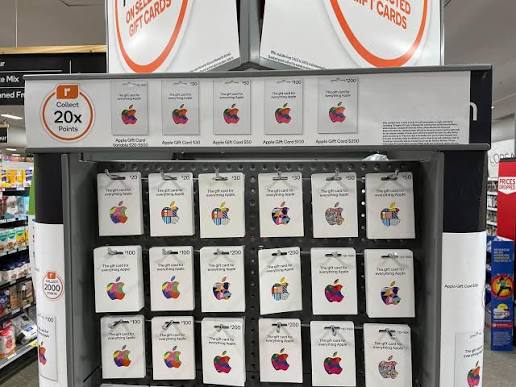
An Apple Gift Card can either be a physical card or a digital code. An Apple Gift Card can be added to your Apple Account balance. Once the balance is added, it becomes part of your Apple Account.
As per Apple policy, you can use your Apple Gift Card and Apple Account balance to buy apps and games on the App Store, purchase subscriptions such as Apple Music or iCloud+, in certain countries buy Apple products on the Apple Store website or app, and purchase accessories as well.
In basic terms, it is like prepaid Apple credit. You first redeem the code, and then the balance is added to the Apple Account that was used during redemption.
Because of this, checking the Apple Account before redeeming is essential. If the card is added to the wrong account, moving the balance becomes difficult.
If you are comparing similar prepaid options, you can also browse more Digital Gift Cards before choosing.
What Purchases Are Eligible With an Apple Gift Card?
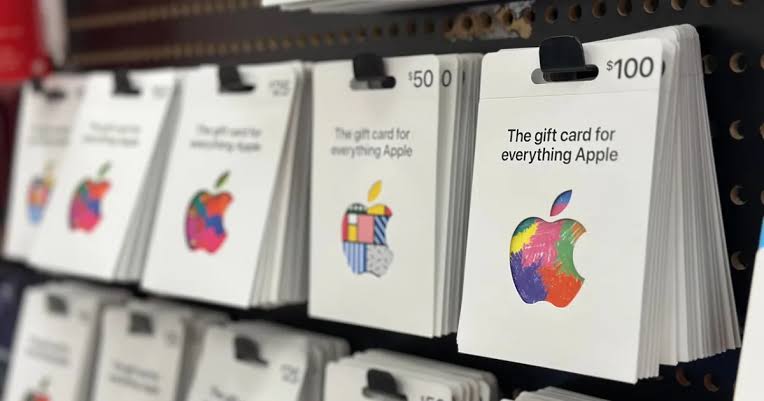
Apple Gift Card is eligible for purchases related to Apple services and digital purchases, depending on the country or region.
Majority of the people redeem it for App Store purchases, which can include paid apps, games, in-app purchases, subscriptions, and iCloud storage. Balance may also be used for Apple Music, Apple TV, books, or movies.
Apple Gift Card is also eligible to purchase Apple products and accessories at the Apple Store in countries where it is supported. This depends on account settings, local Apple rules, and availability.
The primary Apple Account balance is essentially store credit that can only be spent where Apple allows it.
For people who mainly want app or game credit, an App Store Gift Card is usually understood as part of the same Apple gift card use case.
How to Redeem Apple Gift Card on iPhone
The App Store and Wallet are the two easiest places to redeem Apple gift cards on iPhones.
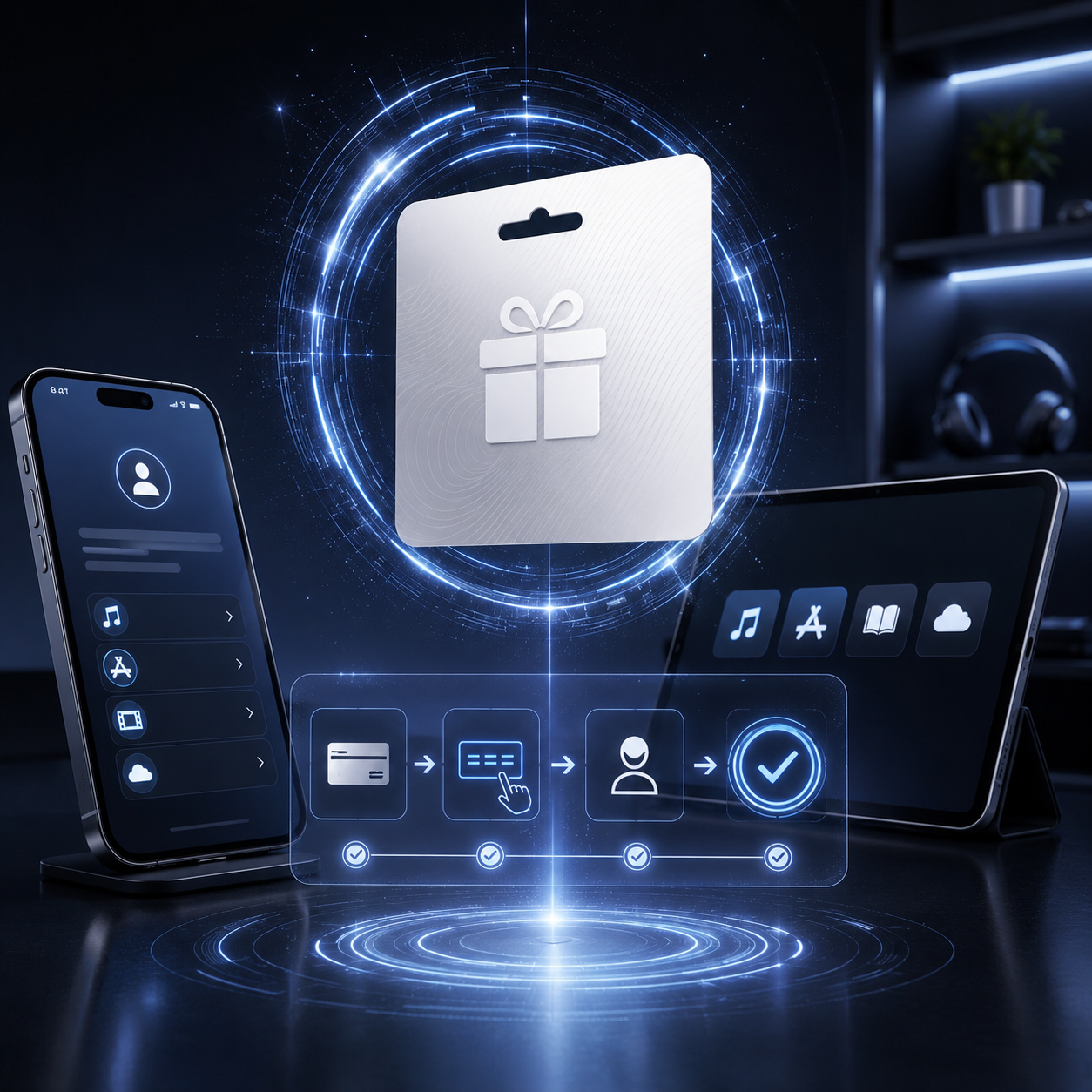
Most users find the App Store method easy. Users just need to go to the App Store, click the profile icon, select redeem, and either scan the card or enter the code. Apple’s iPhone Wallet guide also states that users can go to Apple Account, click on Redeem, then scan the card or type the code.
Before redeeming, users should ensure that the iPhone is signed into the right Apple Account. This is especially important when a family shares the same device or if a user has multiple Apple Accounts.
After redeeming, the balance will get added to the Apple Account and it can be used to make purchases in the App Store or use other services from Apple.
How to Redeem Apple Gift Card on iPad
The process to redeem Apple Gift Cards on the iPad is practically the same as with iPhones.
To begin, open the App Store and click on the profile icon, then look for the option that says “redeem a gift card or code”. If you want the card to be scanned and it is eligible for scanning, then let the camera do the work. Otherwise, you will need to type the code.
If the card was sent by email, or if the code is displayed on the digital order page, this would be very helpful. If copy and paste does not work correctly, enter the code slowly by hand.
As with iPhones, the most important part is the Apple Account. If you redeem the card on the wrong Apple Account, the balance goes there. Before you enter the code, check the account email and make sure it is the account you want to use for App Store purchases.
Redeeming Apple Gift Cards on Mac
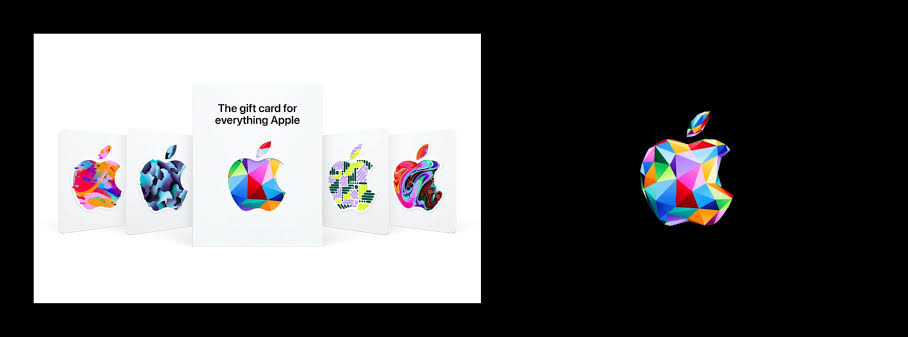
You can redeem Apple Gift Cards on Mac as well.
The typical way is through the App Store on Mac. Go to the App Store, sign in with the Apple Account you want to use, then click on your name or your account icon and select the option to redeem gift cards. From there, you can enter the code or use the camera to scan the card.
This method is convenient for those who receive a digital Apple Gift Card via email since it’s easier to copy the code and paste it into the redemption box, but just make sure there aren’t any extra spaces.
If you use Apple services across multiple devices, redeeming the gift card on Mac will still add the balance to the same Apple Account. As long as the Apple services are linked to the same account, you can use the balance across multiple Apple services.
Rules Based on Country and Region of Apple Accounts
Before figuring out how to redeem Apple gift card codes, the first thing you need to check is the country or region of the Apple Account.
Apple gift cards are specific to a country or region. As per Apple’s iTunes instructions for PC, gift cards only work in the country or region they were bought in.
Apple gift cards and how they work can be a little confusing. Just because you have an Apple gift card it doesn’t mean it will work. This is true even if the gift card has a positive balance. If the country on the Apple gift card does not match the country of the user’s Apple account then the Apple gift card will not work.
For example, let’s say an Apple gift card was purchased in the United States. If the recipient has a New Zealand Apple account, they will not be able to use any Apple gift card that is from the United States, Europe, or any other country. So, do not just pick the Apple gift card that is the cheapest. Look at the regions carefully before making a purchase.
Can You Change Apple Account Country or Region?
Some people think that they can just change the country of their Apple account to make an Apple gift card work. This can be a bit complicated with Apple.
According to Apple, before you change your country or region associated with your Apple account, you need to spend the money remaining on your Apple account. Apple provides a guide on how to change the country or region associated with your Apple account in the settings on your iPhone or iPad.
Apple gift cards will work when there is no region mismatch, so balance does not go to waste. Changing your country or region will affect your payment methods, subscriptions, app availability, and store access. Don’t buy an Apple gift card and think you can change the country associated with your Apple account without any hassle.
For a safer gift choice, make sure the Apple Gift Card online you buy matches the recipient’s Apple Account country.
Why Is My Apple Gift Card Not Working?
There are many reasons why an Apple gift card may not work.
You may have input the code incorrectly. This includes missing characters, unintentional spaces, or confusion between similar letters and numbers.
The gift card may already have been used. If the system indicates that the code was used, check if it was added to another Apple Account.
The card may not be redeemed due to the region of the card and the Apple Account not being aligned. This issue is frequently seen.
It is also possible that the seller did not activate the card. This is often seen with physical cards or unreliable sellers.
If everything seems correct, it may be an App Store or Apple Account temporary issue. If everything looks correct, try again later or try on a different device.
How to Prevent Issues When Redeeming Apple Gift Cards
Before you redeem the card, check the simple things first.
Make sure you are signed out of all other Apple Accounts. Check that the card region corresponds with the Apple Account region. Enter the code exactly how it appears on the card. Maintain your proof of purchase and do not take photos of the code and post it online.
If you are purchasing an Apple Gift Card online for someone else, let the recipient redeem it themselves. This helps avoid adding the balance to the wrong Apple Account.
Buy from a reputable seller. Avoid poor quality or suspicious cards as they are not ideal if the code has already been redeemed, is inactive, or is out of the country.
If the recipient does not use Apple products often, you can also compare other Online Gift Cards before buying.
Can Apple Gift Cards Be Used for App Store Credit?
Apple Gift Cards can be used for App Store credit as long as the user has Apple devices and the card is valid for their region.
Apple Gift Cards can be used as credit to the Apple Account balance on the user’s devices. This is useful for iPhone and iPad users because Apple Gift Cards can be used to purchase apps, games, subscriptions, and in-app purchases. Apple Gift Cards can also aid in spending limit control because the Apple Account balance can only be set to the amount on the card.
Furthermore, Apple Gift Cards are a good way for parents to give their kids some money for apps or games without the need to link a debit or credit card. Likewise, gift givers don’t have to wonder what app, game, movie, or subscription the recipient wants.
However, Apple Gift Cards are not ideal for people without Apple devices, people who have an Apple account in a different country, and people who want cash gift cards.
For app-focused users, Apple Gift Card is still one of the easiest options because it can cover App Store credit, subscriptions, and other Apple services where eligible.
Conclusion
Relying on the account details, learning how to redeem Apple gift card codes is easy. You can redeem the card using an iPhone, iPad, or Mac. The process is nearly identical regardless of device, just sign into the correct Apple Account and enter or scan the gift card code and verify that the balance has increased.
Ensure the Apple Account and card region are the same. If they are not, you may encounter an error even if the code is valid.
An Apple Gift Card is usable for App Store purchases, Apple subscriptions, and other eligible Apple services. To ensure that it works for you, buy the card from a seller you can trust and make sure to redeem the card on the appropriate Apple Account.