



























How to Redeem Nintendo Gift Card: Step-by-Step eShop Guide
A Nintendo Gift Card allows you to add a certain amount of money to your Nintendo Account. Once you redeem the card, you can use that money to buy digital games and other content on the Nintendo eShop.
You can also buy other Nintendo products, add-ons, and DLC packs. The good thing about Nintendo gift cards is that you can purchase digital products from the eShop without having to link a bank card to your Nintendo account.
In case you want to purchase a gift for someone from the eShop, you won’t stress about selecting the right game. In today’s topic, I’ll show you how to redeem Nintendo gift card codes on a Nintendo Switch console and the website. I will also discuss the Nintendo Account requirements, limitations based on countries and regions, and provide solutions if your code fails to work.
Definition of Nintendo Gift Card
A gift card for Nintendo is a Nintendo Gift Card that can be used to add money to your Nintendo Account balance. This money is then available to make purchases on the Nintendo eShop.
A Nintendo gift card is the same as Nintendo eShop credit. Once the gift card code has been entered, the set amount is given to the Nintendo Account balance, and the user can use the balance to buy digital products at any time. Nintendo eShop Cards are accepted on the Nintendo eShop for the Nintendo Switch and Nintendo Switch 2. According to Nintendo, prepaid Nintendo eShop Cards are accepted at the eShop on those consoles as well.
You can easily send a Nintendo Gift Card online via email. Just tell them to make sure they redeem it with their own Nintendo Account.
Credit in Nintendo eShop
With the Nintendo gift card, the recipient can buy items in the Nintendo eShop. This usually includes digital games for Nintendo Switch, indie games and DLC, game add-ons, and other digital content in the eShop.
Some users might use the Nintendo gift card to buy full AAA games. Others might buy it to buy cheaper indie games, buy DLCs for games they have, or even use it to buy something during a sale.
A Nintendo gift card does not have the same balance as cash, and it is non-transferable and can only be spent within the limits set by Nintendo.
If they game on other platforms, you can check Gaming Gift Cards for other alternatives.
Nintendo Account Requirements
Before learning how to redeem Nintendo gift card codes, the recipient needs to have a Nintendo Account.
This is because the credit from the Nintendo eShop is linked to the Nintendo Account, and if a user redeems the code on the wrong account, the balance will be permanently lost to them.
So before redeeming, make sure to check the email of the Nintendo Account, the country of the account, the user profile, and determine if this is the account linked to the Nintendo Switch console.
When having family accounts, it is very useful to have multiple user accounts. Other users on the console could have different Nintendo accounts. Make sure to look at what account is selected before redeeming.
How to Redeem Nintendo Gift Card Using the Switch
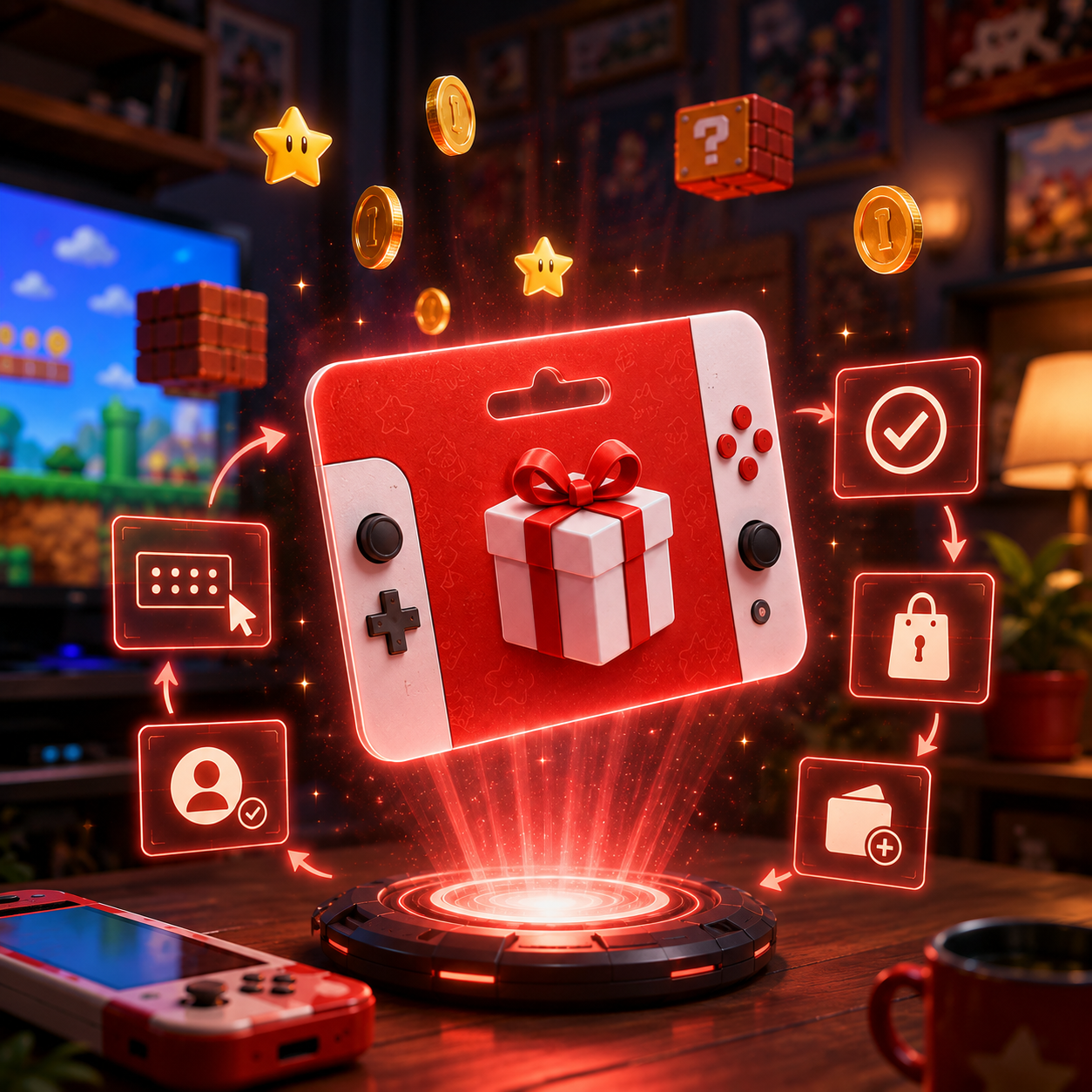
The most convenient method for redeeming eShop gift cards is directly on the Switch console.
To do this, open the Nintendo eShop for the user linked to the account, and go to the option that says “redeem code” or “enter code.” The code must be entered precisely as it appears.
If the code is correct, the money has been added to that Nintendo Account, and the user can buy items in the eShop.
When entering the code, make sure to be careful. According to Nintendo Support, a lot of people have submitted codes incorrectly due to the mistaking of similar characters.
If you’re using the Switch to redeem a gift card, you’re better off entering the code manually than copying and pasting it.
How to Redeem Nintendo Gift Card Using the Website
The credit can also be redeemed on Nintendo’s website.
For users who have a code that is digital instead of physical, this can be helpful to redeem it using their mobile device, laptop, or desktop browser. Remember your process is still linked to your Nintendo Account, so just make sure you are signed in to the correct account.
The process online is easy. Go to Nintendo’s redemption webpage, log into your Nintendo account, enter the 16-digit code, confirm your account, and complete the process of redeeming.
After redeeming the code, the updated total should show on the account balance, and users will be able to buy stuff from the Nintendo eShop.
Please do not redeem the code yourself when sending a digital Nintendo Gift Card. It’s considered a gift, and you should send it off to the recipient so they can redeem it on their Nintendo Account themselves.
Online Redemption vs. Switch
Either method can be good depending on the users’ situation.
If the user is going to be buying something on the eShop right away, redeeming it on the Nintendo Switch is great.
If the user is going to redeem it on a computer or mobile device, it may be easier to do it online.
As long as the right account is redeemed, the balance will be added to the Nintendo Account that was used to redeem the code.
Restrictions Based on Country and Region
The first step to redeeming a code is checking the region.
When it comes to the Nintendo eShop, cards purchased in specific countries can only be redeemed by accounts set to that country. This also applies to the country or region of the Nintendo Account and Nintendo eShop.
This means that even though a code may be valid, it cannot be redeemed due to the account country being wrong.
For example, if your Nintendo Account is set to New Zealand, don’t expect a card from the US, Japan, or any other region to work. The card country has to match the Nintendo Account country.
As per Nintendo’s regional compatibility FAQ, Nintendo eShop Cards are only valid to use on the Nintendo eShop country or region stated on the card.
Can You Change the Country on Your Nintendo Account?
Some users think they can fix the problem by changing their Nintendo Account country. This can be a tedious task.
Nintendo explains that if you change country or region settings on your Nintendo Account, the balance on your Nintendo eShop account will be affected. Therefore, users should use up their remaining balance before doing so.
This is why simply changing the country setting is not a good option if there is an account balance.
This is why it’s best to buy the correct regional Nintendo Gift Card in the first place.
Why Is My Nintendo Gift Card Not Working?
There can be several reasons that a Nintendo gift card code is not working.
One common reason is that the code may have been entered incorrectly. This can happen due to missing digits, unnecessary spaces, or letters that resemble numbers.
It is possible that the code has already been redeemed. If this is the case, look to see if the code was redeemed on a different Nintendo Account.
One of the most common issues is that the country of the card is different from the country of the Nintendo Account.
The card may not be activated by the seller, especially if it is a physical card or the seller seems sketchy.
If a different Nintendo Account is signed in, this could also be an issue.
Before attempting to redeem the code multiple times, check the code, the country of the account, the country of the card, the currency of the card, and the confirmation email.
How to Avoid Problems When Redeeming Nintendo Gift Cards
The best way to avoid problems is to make sure that all the required information is correct.
Ensure the recipient has a Nintendo Account and verify the account’s country before purchasing the card for that specific country or region. Double-check to ensure there are no mistakes when entering the code and keep the order confirmation. Don’t take screenshots of the code and give the recipient the chance to redeem it on their account.
If the code is shared with the wrong person, the recipient could lose access to the Nintendo eShop credit.
You may also consider Xbox Gift Card, PlayStation Gift Card, or Steam Gift Card for cross-platform players.
For a broader gift option, you can also check Online Gift Cards.
Are Nintendo Gift Cards Helpful for eShop Credit?
Yes. Nintendo Gift Cards help with eShop credit, provided the card recipient plays on Nintendo Switch and the card matches their Nintendo Account country.
Players are given the option of how they’d like to use their gift card. They can choose to spend it on digital games, DLCs, add-ons or other eligible content on the eShop.
Moreover, gift cards can aid in spending limits. Users will only be able to spend what’s on the gift card, which can help younger players or those who prefer prepaid cards.
However, a Nintendo gift card is not good for someone who doesn’t use the Nintendo eShop, prefers only physical game cartridges, or who has their Nintendo Account set to a different country than the gift card.
Final Thoughts
It is simple to know how to redeem Nintendo gift card codes, but accounts and region stuff can make it complicated.
Gift card codes can be redeemed on the Nintendo Switch or online. The only difference is the user interface. The balance will be added to whatever Nintendo Account the user redeems the code on, regardless of how they do it.
Make sure to check your codes before redeeming your Nintendo Gift Card. Check the Nintendo Account, card country, account region, currency, and ensure the code has not expired. Codes can fail for other reasons as well.
A Nintendo Gift Card online is a great option for Nintendo Switch players as it gives them the freedom to choose how to spend their eShop credit, whether it’s on digital games or other content.