
















Apple Gift Card Code Not Working? Common Reasons and How to Fix It
What Are Possible Reasons For An Apple Gift Card Code Not Working?
It’s possible that your card isn’t defective, but rather that other circumstances are at play. For example, there could be a typo when you entered the card, or the Apple ID is not in the same region as the card. You also may be the victim of a gift card that has already been redeemed, or the card has a zero balance. If you are dealing with an Apple gift card code not working, these are usually the first things to check.
When buying an Apple gift card, you are buying a gift card specific to a region/area. If you buy a gift card for the wrong region, it will not work even if valid. This is referred to as validity limbo.
Before you get in contact with customer support, consider the reasons listed above.
Tips to Keep in Mind When Using an Apple ID
Apple gift cards are non-shareable, and neither is the balance that comes with it. The balance belongs to the Apple ID that redeems the card. This may also be a major point of confusion when using shared devices where one Apple ID is logged into the device and another Apple ID is used for the store. The balance will then disappear, but this happens when the Apple ID that was not intended to have the funds is the one that redeemed the gift card.
Before retrying the code, check which Apple ID is currently logged into the App Store. If the code was accepted, but the credits aren’t showing, check the balance of the Apple Account tied to that Apple ID.
[How to Redeem Apple Gift Card]
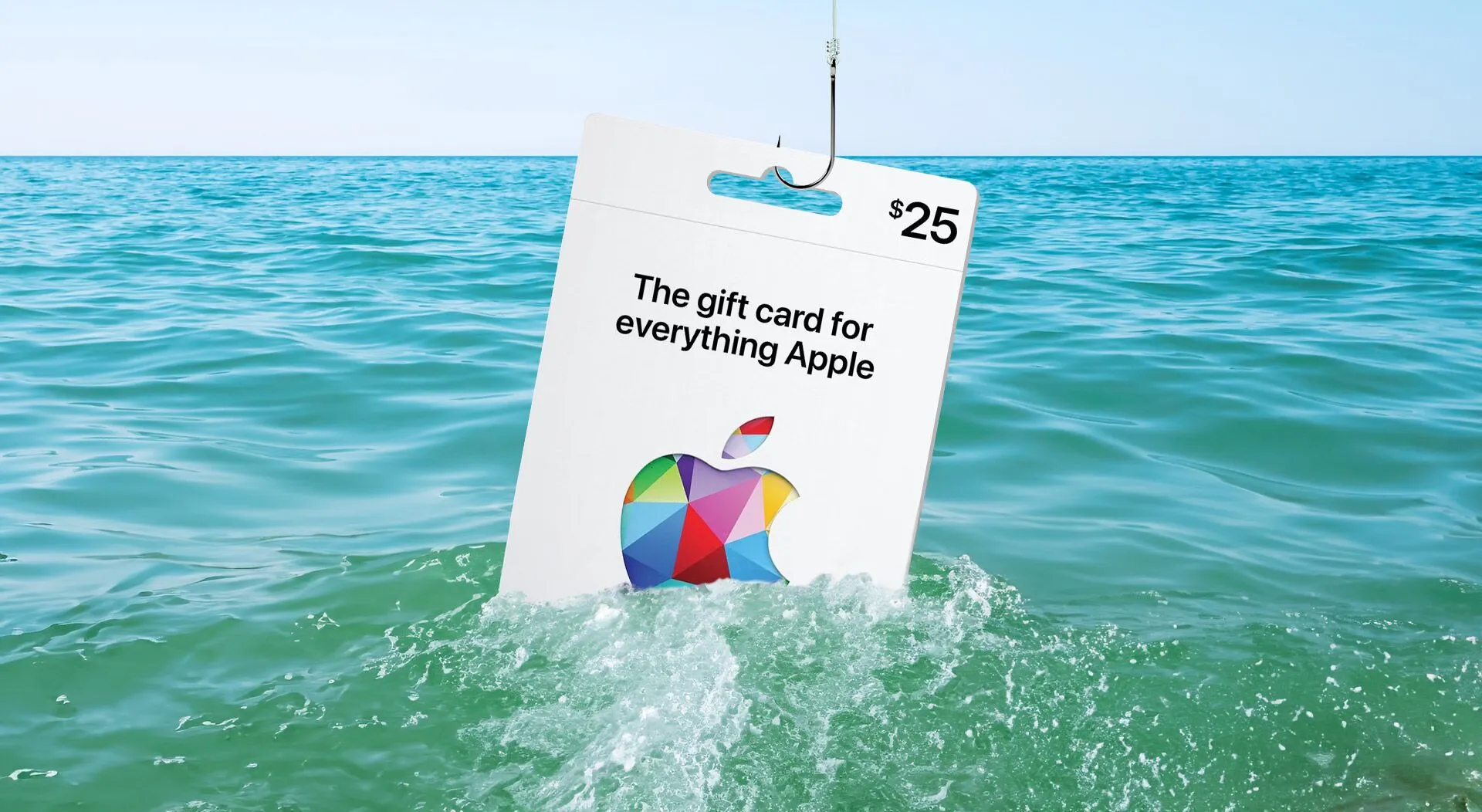
Reason 1: Incorrect Code Entry
A very typical reason for an Apple Gift Card malfunction is the misentry of the code. Gift card codes are very long, and one small typographical error will lead to failure of code redemption.
For instance, if the code was sent to you via email, you should copy and paste the code. If the code was sent to you in a physical gift card, look very closely at the code as the scratch off area may have covered a character.
When looking for character gaps or empty spaces around the code, be sure to take note of collections of whitespace that occur when an email is copied to a code listing webpage.
If you believe a character may be damaged, it is better to not make random guesses. The issue with the code will not be resolved by making multiple attempts.
Reason 2: The Code is Invalid
Apple may mark the code as invalid for a number of reasons. The code does not register in the Apple system as a real Apple Gift Card, App Store Card, or App Store & iTunes Gift Card code.
Entering the code incorrectly, making a copy of the card, or the card not being activated could all contribute to this situation. Furthermore, the merchandise in question may not be an Apple Gift card but rather some other type of digital code.
Check the title of the product, the delivery email, and the order confirmation to make sure that you picked the right product for the right region. If the code continues to be invalid after this, contact the seller with your order number and the exact error code.
Reason 3: The Code Has Already Been Redeemed
Before concluding that Apple has already redeemed the code, the first step is to check your Apple Account balance. Apple states that the balance for an Apple Gift Card, App Store Card, or App Store & iTunes Gift Card is confirmed to be available after the card is redeemed and you have access to check it in your Apple Account balance.
This is an easily overlooked situation. The card may have already been used and the new balance is just waiting to be accessed.
If the balance is not there, then consider the possibility of the code being redeemed in a different Apple ID than your own. Were you possibly logged into the wrong account and clicked an email redemption link? Did a family member use it without you knowing? Was the code sent as a gift and already redeemed by the recipient?
If none of the above applied, reach out to Apple Support or the seller. Do not share the full code in your screenshots or publicly visible comments or messages.
Reason 4: The Card and Apple ID Are Registered to Different Countries
An obvious reason why Apple Gift Cards do not work is because of region mismatch. Apple states that Apple Gift Cards, App Store Cards, and App Store & iTunes Gift Cards are non-redeemable documents. They provide an example where they say, “if you are getting an error notice that the code needs to be redeemed in a different store, it means the card was purchased in a different country.”
So, if you have a United States Apple Gift Card, then it cannot be used on any Apple Account that is not in the United States. The same goes for New Zealand Apple Gift Cards. When a given gift card is provided for a specific country, that card will most likely be of no use to an App Store located in a different country.
A digital code is not global. The country and currency are critical.
When you buy the apple gift card, you should have checked which country or region the recipient’s Apple ID was set to. If the region is incorrect and you need to change it, contact the seller as soon as possible. To add the gift card to your account, you may have to change the country on your Apple Account, which can create issues with subscriptions, payment methods, and any remaining balance.
Reason 5: Delay in Balance Update
Occasionally, even though a card has been redeemed, an immediate balance update may not occur. This may happen due to the App Store not being refreshed, the device being signed into a different Apple ID, or if the Apple ID associated with the device is different.
To troubleshoot this problem, first log out of your Apple ID account and log back in. Afterwards, check the account balance. If you’ve redeemed the card using an iPhone, you can check the balance on other Apple devices or within the App Store in the account settings.
If you’ve made a purchase with the card or subscribed to a service, you account balance may be lower than expected. It’s good practice to check your recent purchases and billing activity rather than assuming the money transfer never occurred.
Reason 6: Account Restrictions or Purchase Limits
In some cases, the code may seem valid, and the funds may have actually been added, but the account simply cannot be used to make that particular purchase. Apple states that in some countries and regions, it’s not possible to use the Apple Account balance for certain subscriptions, including AppleCare+.
Account-level issues may also be present. Payment verification, Family Sharing configurations, subscription settings, security checks, and store limit assignments can create what are called “use it or lose it” balances.
If you are having issues with your Apple gift card code after you redeemed the gift card, then check the item you are trying to purchase. The gift card may have redeemed, but the money on the card may be restricted from being spent on that purchase.
Reason 7: The Card Was Not Activated Properly
A physical gift card will not work if it was not activated by the cashier. Digital gift cards may also have delivery or processing issues as well. If you received your gift card code but it does not work, keep the receipt. The seller may ask for the order number, purchase date, card value, and error message to help fix the issue.
To prove the purchase, keep the receipt until the code has been used.
My Apple Gift Card Code Still Won’t Work, What Should I Do?
Codes are case sensitive and need to have spaces removed. Make sure you are signed into the Apple ID you are trying to redeem the card to. This is one of the fastest ways to narrow down an Apple gift card code not working issue before contacting support.
Also check the region. The Apple ID country has to be the same as the card country. Repeatedly trying the code will not fix region issues.
Check your Apple Account balance and any other Apple ID’s you may have used to see the balance. If the balance is still missing, contact the seller or Apple Support with the order details. If the code is inactive, or invalid, contact the seller, they may need to see if the product was delivered or activated or if the right product was sent.
To prevent these situations in the future, the most important thing to do is buy the correct country version. Remember to check what the product is before you check out. If it is an Apple Gift Card, App Store Card, or App Store & iTunes Gift Card, ensure that the region aligns with the Apple ID of the person you are sending it to.
Use sellers that are clear about the country, currency, value, delivery process, and support process. Don’t buy from sellers that have an Apple Card listing that doesn’t specify a region.
Keep your confirmation email until you redeem the code and see the balance. If you are gifting the card, make sure to tell the recipient to redeem it on the correct Apple ID.
Conclusion
If an Apple gift card code is not working, it does not mean it is useless. This is not working due to a typo, wrong Apple ID, the code may have been previously redeemed, or there may be a country mismatch, an un-checked balance, restrictions on the account, or issues with the card being activated.
To figure out what the problem is, begin with reviewing the code, the Apple ID, then region, balance, and finally check with seller support.
When buying a new card, make sure the region setting is accurate so that you may choose a reliable seller and save the order confirmation.
To avoid future issues with an Apple gift card code not working, be sure to have the region, Apple ID, code, and seller info correct. Most Apple gift card code not working problems are easier to solve once you know whether the issue comes from the code, the account, the region, or the seller.