





























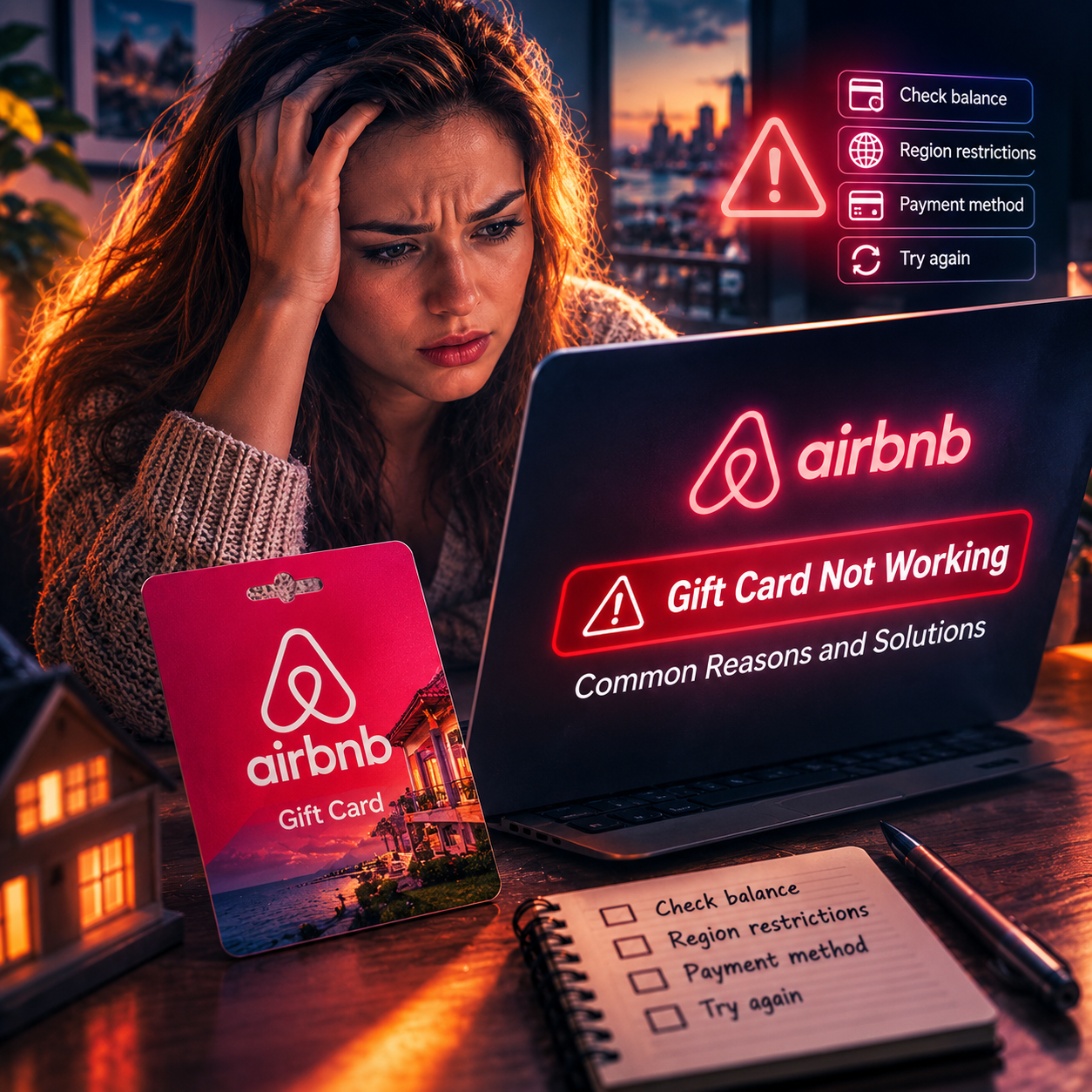
Airbnb Gift Card Not Working? Common Reasons and Solutions
Airbnb gift cards can be a convenient way to pay for eligible travel bookings without using a debit or credit card directly. However, the card may not work if the country, account, booking type, currency, or available balance does not match the payment requirements.
If your Airbnb gift card is not working, the issue may be related to redemption, account verification, booking restrictions, or the code itself. This guide explains the most common reasons and the steps you can take to resolve the problem.
Why Is My Airbnb Gift Card Not Working?
An Airbnb gift card may fail for several different reasons. The most common problems include:
- The gift card is not available in your country or region.
- The account region does not match the card.
- The code was entered incorrectly.
- The gift card has already been redeemed.
- The account requires additional verification.
- The booking is not eligible for gift card payment.
- The available balance is lower than the total booking cost.
- The card was not activated correctly by the seller.
Before trying to use the card again, check the original delivery email, receipt, product terms, and account details. These details can help identify whether the problem is related to the gift card or the Airbnb account.
Check the Country and Account Eligibility
A common reason for an Airbnb gift card not working is a mismatch between the card’s country and the account or booking location. Gift cards are often issued for a particular market and currency. A card purchased for one country may not work with an account registered in another country.
Check the following information:
- The country or region shown on the product page
- The currency of the gift card
- The country connected to your Airbnb account
- The billing country and payment details
- The location and currency of the booking
Changing the language or display currency on Airbnb does not necessarily change the account region. Using a VPN may also create inconsistencies between your location, account details, and payment information.
If the card was purchased for someone else, make sure the recipient’s account is eligible before attempting redemption. Do not assume that a gift card purchased in one market can be transferred to another account in a different market.
For future travel purchases, you can also compare other Travel Gift Cards and check the regional conditions before buying.
Confirm That the Code Was Redeemed Correctly
Sometimes the gift card has already been added to the account, but the user continues trying to enter the code during checkout. Sign in to the correct Airbnb account and check whether the balance appears in the account’s payment or gift card section.
When entering the code:
- Copy the code from the original delivery message.
- Remove any extra spaces before or after the code.
- Check characters that may look similar, such as zero and the letter O.
- Confirm that the code has not already been redeemed.
- Check the account balance after submitting it.
If the system says that the code has already been used, it may have been redeemed on another account. Review your previous accounts and confirmation emails before contacting support.
Never share the full gift card code in a public forum or with an unknown person claiming to offer technical help. A gift card code can be used by anyone who receives it.
Account Verification Issues
Airbnb may require account verification before allowing a booking or payment to be completed. This can include email verification, phone verification, identity checks, or additional payment review.
A gift card does not always remove the need for account verification. If the account is new, has incomplete information, or has unusual login activity, the payment may be paused until the verification process is completed.
Check that:
- Your email address has been verified.
- Your phone number is connected to the account.
- Your identity information is complete if requested.
- The account is not restricted or temporarily suspended.
- The booking details match your account information.
Do not create multiple accounts to bypass a verification problem. This can make the issue more difficult to resolve and may lead to additional account restrictions.
Booking Restrictions
Even when an Airbnb gift card has been successfully redeemed, it may not work for every type of booking or transaction. Gift cards are generally intended for eligible Airbnb purchases, but local rules and product terms can affect how the balance is used.
A gift card may not apply to:
- A booking that has already been completed
- Certain long-term or special reservation types
- Fees or services excluded by the gift card terms
- A transaction in an unsupported currency
- Some travel services or experiences, depending on the country
- Purchases that do not meet the merchant’s payment requirements
The total booking price may include the nightly rate, cleaning fee, service fee, taxes, and other charges. If the gift card balance only covers part of the total, Airbnb may require another payment method for the remaining amount.
Read the checkout summary carefully before confirming the reservation. The payment page should show whether the gift card balance can be applied to the booking and whether an additional payment method is needed.

Balance Problems
A low balance is another common reason for an Airbnb gift card not working at checkout. The card may have enough value for the accommodation price but not enough to cover taxes, service fees, or other charges added at checkout.
Check the available balance before making a booking. If you have more than one gift card, do not assume that all balances can be combined automatically. Some platforms allow multiple gift cards to be added to one account, while others may apply different conditions.
If the balance does not appear after redemption:
- Sign out and sign in again.
- Check the account’s gift card or payment section.
- Review the redemption confirmation email.
- Confirm that you are using the correct Airbnb account.
- Wait briefly if the balance update is delayed.
Do not repeatedly enter the same code if it has already been accepted. Save the order number and redemption confirmation instead.
Code, Delivery, and Activation Errors
A gift card code may not work if it was not activated properly, was cancelled, or was issued incorrectly. This can happen if the delivery message is incomplete or if the seller’s system has not processed the order.
Check whether:
- The full code was delivered.
- The order status shows as completed.
- The card was purchased from a reliable seller.
- The code matches the receipt.
- The delivery email contains the correct product and value.
If the card was purchased online, keep the receipt, order number, delivery email, and any error messages. Do not edit or discard the original information, as the seller may need it to investigate the problem.
You can review reputable gift card store options and product details before purchasing another card.

What to Do When the Card Still Does Not Work
If an Airbnb gift card not working error continues to appear, follow these steps:
- Confirm that you are signed in to the correct account.
- Check the card’s country, currency, and eligibility terms.
- Review the gift card balance.
- Confirm that the booking is eligible.
- Check whether another payment method is required.
- Try using the official Airbnb website instead of an outdated app.
- Save the error message and contact the appropriate support team.
Contact Airbnb support if the card has already been redeemed, the balance is missing, or the booking is being rejected. Contact the seller if the code was never delivered, was not activated, or does not match the order.
When requesting help, provide the order number, receipt, purchase date, product value, and error message. Do not post the full gift card code publicly.
Alternative Payment Options
If the card cannot be used for a particular booking, you may need another payment option. A debit card, credit card, or supported digital payment method may be required when the gift card balance does not cover the full total.
You can also compare Payment Gift Cards for other online payment needs. For travel-related purchases, Shopping Gift Cards may help with items needed for a trip, while Supermarket Gift Cards can be useful for groceries and daily essentials.
If you are looking for gifts for other types of digital services, Entertainment Gift Cards may provide additional options. Another prepaid payment method is a Flexepin voucher, although merchant and regional support should always be checked first.
Final Checklist
Before using an Airbnb gift card, make sure that:
- The card matches your country and currency.
- Your Airbnb account is verified.
- The code has not already been redeemed.
- The booking is eligible for gift card payment.
- The balance covers the full cost or an additional payment method is available.
- You have saved the receipt and delivery information.
- You keep the code private after receiving it.
When an Airbnb gift card does not work, the problem is often related to eligibility, account verification, booking restrictions, or insufficient balance. Checking these details carefully can help you identify the issue and avoid making another unnecessary purchase.