Google Play Gift Card Code Not Working? Common Fixes
Using a Google Play Gift Card should be as simple as purchasing the card and entering the code to your Google account. You can then use the balance for apps, games, in-app purchases, subscriptions, etc. from the Google Play Store.
Unfortunately, this is not always the case. There are a number of reasons why your code might be rejected, or why it may tell you that your country does not match, or that your balance has been redeemed but you cannot see it.
If you are receiving a Google Play gift card code not working message, do not assume the code is completely useless as there is always a possible explanation. This could be because your country doesn’t match your Google account, issues with your payment profile, hitting your Google Play purchase limit, invalid code entry, an already redeemed card, or Google Play is just delaying the update.
We explain why you may have issues with Google Play gift card codes and the things you should look into before contacting support.
What Is a Google Play Gift Card Code?
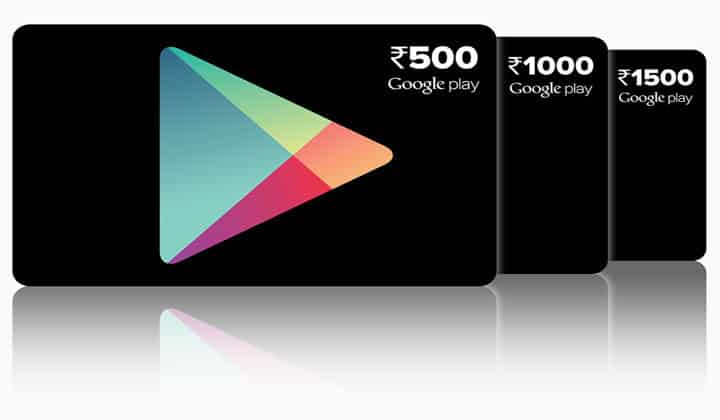
Google Play Gift Cards are prepaid cards that let you add money to your Google Play balance. Google Play gift cards are also described as prepaid cards that allow you to buy stuff from the Play Store using Google Play balance.
To put it simply, it is just like Play Store credit. After the codes are redeemed, the balance is added to the Google account and this balance can be used for eligible Google Play purchases.
That’s why the account matters. If the code gets redeemed to the wrong Google account, the balance will show under a different account.
What Is the Reason for My Google Play Gift Card Code Not Working?
There are several reasons a Google Play gift card code may not work.
Most common issues include country mismatch, account payment profile being set up incorrectly, entering the code incorrectly, the code already being redeemed, the card not being activated by the seller, account restrictions, or Google Play balance not being visible.
Most of the listed issues can be resolved in a step by step approach starting from the code, the account, country, currency, payment profile, and seller.
1. Code Was Entered Wrong
Starting out by checking the code format is the simplest thing to do.
A Google Play gift card code may fail if there are entered spaces, missing letters or numbers, copied characters that do not belong, or the wrong code format. Google’s troubleshooting page tells users to enter the code without spaces or dashes.
Also, with a code that is sent out by email, copying and pasting the code may add extra spaces that are hidden. Type the code in manually to avoid that.
Finally, check the full code again. Neglecting to do that will often lead to multiple failed attempts to enter the code. Ensure the code has not been shortened, altered, or copied from the wrong place. Ensure the code is being redeemed on the Google Play app or via the official Google site.
For those who bought a digital Google Play Gift Card, check the order email again and take the code directly from it.
2. Gift Card Country Mismatch
One of the most common reasons people encounter errors when using Google Play gift card codes is due to countries not matching.
Google states that the country or region associated with your Google Play account must be the same as the country or region the gift card or promotional code is valid for. Additionally, Google states that Play gift cards are region locked and can only be redeemed and used in the country and currency they were bought in.
This means that even if the code is valid, it can still be unable to be redeemed due to it being from the incorrect region.
For instance, if your Google Play account is set to New Zealand, a gift card from the United States, Japan, or any other country will not work. The region of the gift card and the region of the Google Play account must align.
This is why you cannot simply buy the cheapest card on the internet. A poorly priced code from an invalid region can become worthless for the account.
3. Google Play Payment Profile Issue
The payment profile can cause problems too.
Google states that gift card currency must be aligned with your payment profile settings. They also state that if you are travelling, you may need to redeem the card once you are back in your home country and that if you have moved countries, you may have to update your Google Play country setting.
This means the problem may not be the code itself. The problem may very well be the payment configuration of the Google account.
See if the country for the payment profile aligns with the country for the gift card. Also determine if the country for the Play Store is aligned with the country for the card. If there are discrepancies, the card could be unreedeemable despite having a valid code.
This is even more significant when people have just recently moved, travel frequently, or modified Google account settings previously.
4. The Code Has Already Been Redeemed
Once a Google Play code has been redeemed, it cannot be redeemed again.
If the message states the code has been redeemed, see if the balance was credited to the same Google account. Google’s help page mentions if the code was already redeemed, it cannot be redeemed again, and users need to ensure they are logged into the account that redeemed the code.
This could happen when a user has several Google accounts. One account could be used for Gmail, another for the Play Store, and a different one for the phone or tablet.
Also, see if another person had access to the code. If someone took a screenshot of the code, or it was in an email or text message, it’s possible someone else redeemed it.
If you are certain the code has not been used, reach out to the seller with your order confirmation.
5. The Card Was Not Activated by the Seller
Not Google, sometimes the problem is with the seller.
A physical card may not have been activated properly during checkout. A digital seller may provide the incorrect code, an inactive code, or one that has already been used.
Some cards purchased at physical locations may require activation by the cashier, as per Google’s troubleshooting page.
If your Google Play Gift Card online is not functioning, the first place to check is the order details from the seller. Double check to verify that the card country, currency, and amount are correct.
Never share the entire code. Think of it as cash.
6. Google Play Balance Is Not Displaying
In some cases, the code may be accepted, but the balance will not be displayed immediately.
First, ensure that you are logged into the Google account that the code was redeemed to. This is especially easy to miss on Android devices with multiple accounts.
Then go to Google Play and check to see if your Google Play balance exists. If the balance does not show after a little bit, refresh the app and restart your device.
If the code was accepted and you still don’t see the credit, the Google support community suggests double checking if you are logged into the account that the code was redeemed to, and whether the code was redeemed by someone else with access to it.
If you still do not see the credit, keep the receipt and reach out to Google Play support or the seller.
7. Your Google Play Balance Limit Has Been Reached
In some situations, the gift card may not redeem due to the balance limits.
Google has some restrictions in place that may lead users to encounter messages like “You have reached your redemption limit,” or similar messages showing that the user has maxed out either the daily or overall balance limit on Google Play. In such cases, users will not be able to redeem codes that exceed a country’s limits.
In such cases, you will need to spend some balance, wait another 24 hours, and try again.
This is not something that happens to most users. It is typically only an issue for users who have a very large Google Play balance or who regularly redeem gift cards.
8. Account Restrictions
Google accounts can have restrictions that affect the ability to make purchases or use the Google Play balance.
Payment profiles, country settings, verification, age restrictions, and account security can all result in restrictions. If a card has been redeemed, but cannot be used to make purchases, check for issues in your Google Payments profile or Google Play account.
Also, keep in mind that having a Google Play balance means that you have store credit. Google Play balance is not equal to cash. Store credit can only be used on certain purchases from the Google Play Store and may not work with every subscription, app, or country.
When buying for someone else, ensure that they use Google Play. If they primarily use iPhone, an Apple Gift Card is likely a better option. If they game on console or PC, Xbox Gift Card, PlayStation Gift Card, or Steam Gift Card are good options.
9. Seller or Region Description Is Ambiguous
Before customers even get the chance to redeem their cards, issues are already present.
Some sellers are vague with how they describe their region. Some may say “global” when the card is actually restricted to a single country. Some sellers also wait until after the purchase to disclose the currency.
When you are buying Google Play Gift Cards online, it is advised that you check the country, currency, delivery method, and seller. If the listing is vague on which country the card is for, it is best to skip it.
A gift card that is from an incorrect region is not a good deal. It is simply a code that the recipient will not be able to use.
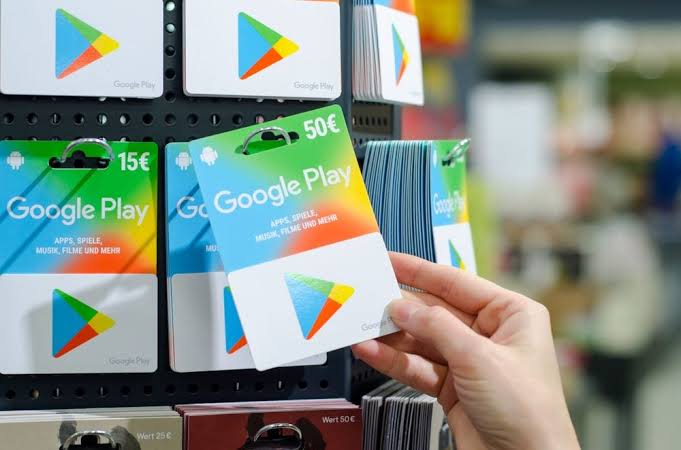
Google Play Gift Card Code Not Working? What to Do
If your Google Play gift card code not working issue is still happening after doing the above, try to do some simple things first.
Check the code and try removing any spaces or dashes. Make sure you are using the correct Google account for this. Make sure that the country of your Google Play account is the same as the country of the gift card. Check to see that your payment profile currency matches the card’s currency. Be sure that the code has not already been used. Also check to make sure that the seller activated the card.
If the code was redeemed but the balance is still missing, ensure that you check the Google Play balance on that same account. Also check to see if you’ve reached your redemption limit.
If all of the above is correct, provide the seller or Google Play support with your receipt, order confirmation, card value, country, and the error message.
How to Purchase Google Play Gift Cards
Most issues can be avoided by not buying the gift card from unauthorized sellers, buying the gift card from the correct region, and buying the correct gift card for the Play Store account.
If the recipient uses the Google Play Store many times, consider comparing other Digital Gift Cards or Online Gift Cards.
A Google Play gift card is a good option for mobile gamers and Android users, but isn’t a good option for PC gamers.
Google Play Gift Cards: Are They Still Worth Buying?
As long as the card is the correct country and region, and the recipient uses Google Play, the Google Play Gift Card is still worth buying.
The user gets in-store credit, so it does help with spending limits as the user can only spend what is on the account.
It is not a good gift if the region is wrong.
Conclusion
In most cases, if the Google Play gift card code not working issue appears, it is most likely one of the main causes: the code was entered incorrectly, the card was not activated, the wrong account is linked, or the country and region do not match.
You can buy Google Play Gift Cards from various sellers. However, it is best to buy them from Google Play Gift Card sellers in your country. When buying a card, make sure to buy a card that will work for your Google account’s country, since Google Play Gift Cards are country-specific.
When buying a card, make sure to keep the code to yourself, keep the receipt from the seller, and check the Google account country before trying to redeem the card.