



























Nintendo Gift Card Code Not Working? Reasons and Solutions
After buying a Nintendo Gift Card, you should easily redeem the code and start buying games, DLCs, add-ons, etc. from the Nintendo eShop.
But redeeming the code may not always work.
There are many reasons why you might see the Nintendo gift card code not working notification. For example, the card could be fake, or it could be region locked and user error could be the reason. Other reasons could be that the code has already been redeemed, there are seller issues, or there may be issues with your Nintendo Account.
If there are any common issues with failed Nintendo gift card codes, see the rest of the article before contacting customer service.
What Do Nintendo Gift Card Codes Do?
A Nintendo Gift Card code simply adds money to your Nintendo Account. This means that once the code has been redeemed, you can buy games from the Nintendo eShop.
Once a code is redeemed, the money gets locked into that particular Nintendo Account so it is very easy to lose money if the wrong account is used. It is also not simple to move the money to a different account or reverse the transaction, so be sure to use the right account.
What Might Be the Problem With Your Nintendo Gift Card Code?
A Nintendo gift card code might not work for a number of reasons.
Some of the most common problems include: the country of the card not matching the country of the Nintendo Account, mistakes when entering the code, codes that have already been redeemed, cards that have not been activated, accounts that are signed into the wrong Nintendo Account, and problems with payment or access settings with the Nintendo eShop.
In addition, the card’s country must match the country and region where the card is valid. The card may be functioning perfectly and valid, yet it still can’t be used if it is not compatible with the country and region of the account.
1. Your Card and Nintendo Account Are Different Regions
One of the most common reasons for a Nintendo gift card code not working issue is region mismatch.
Nintendo has a policy that every country has a certain Nintendo eShop card. The cards can only be used by people who have accounts from that country. Users should make sure that their Nintendo Account country and the country of the Nintendo eShop card match.
Your account country could be incorrect. Even if you have a valid code, the card country and account country could still be different.
For example, if your Nintendo Account is set to New Zealand, you should not expect a card from the United States, Japan, or another region to work. The country of the card and the country of the Nintendo Account must match.
This is why buying a card only because it is cheaper is not a good idea. If the recipient is unable to redeem the card because it is from the wrong region, they have been given a worthless gift card.
2. Nintendo eShop Cards Are Region Locked
As per Nintendo’s FAQs, each card can only be redeemed in the eShop of its designated region. For this reason, cards may be completely new and have never been used, and still be non-functional.
Before buying or redeeming a card, please check the card country and currency, the country of the Nintendo Account, and the region of the eShop.
If you are buying a Nintendo Gift Card online for someone, ask what country their Nintendo Account is set to before you give them the code.
3. Incorrect Code Entry
When it comes to Nintendo gift cards, there are also a lot of code entry mistakes.
The codes on Nintendo gift cards are very long, and a single character could cause the code to stop working. Support says that there is a 5, and it could be mistaken for G or S, so that’s a point to keep in mind.
In general, it’s best to check a code several times before deciding that the card is bad.
If you got the code by email, there might be some invisible characters, so copying the code may not be easy. To redeem the code, don’t use third party websites. You must use the official Nintendo eShop or Nintendo website.
4. Code Already Redeemed
The error message you see may have been caused by the code already being used.
Many reports of already used codes have been documented on Nintendo’s support page about error messages. They suggest checking if the download code is input correctly and if the code has been redeemed.
This means that a code may have been used to redeem games or balance on a different Nintendo Account than yours. This can occur when a code is made visible to others through an email forward, Discord message, or screenshot.
Acquiring codes from suspicious websites puts you at risk of possible code theft.
If you believe the code is unused, please provide proof of purchase to the vendor in question.
5. Another Nintendo Account Was Logged In
If another Nintendo Account is logged in, it may seem like the code did not work.
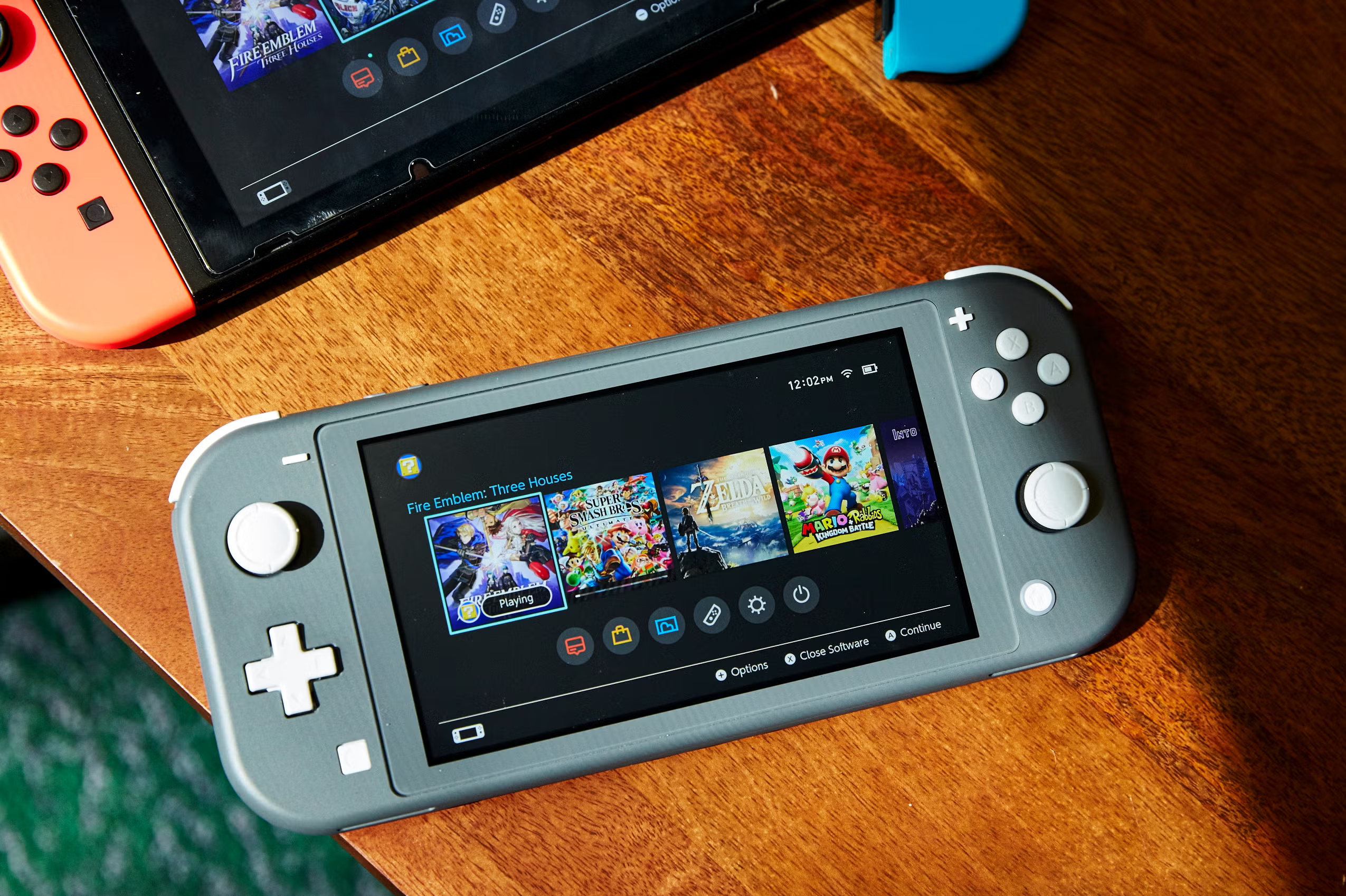
This is common in family arrangements regarding Nintendo Switch consoles. Each family member can have their own user profile, and each profile can be assigned a unique Nintendo Account.
Before redeeming, look at the account email that is linked and check that the country associated with the profile is correct.
Also, when buying a digital Nintendo Gift Card for someone else, do not redeem it yourself. Simply pass on the code to them so they can redeem it to their Nintendo Account.
6. The Seller Did Not Activate the Card
Sometimes, the seller can be at fault as well.
The seller can make mistakes when activating the card at the cash register. For digital cards, mistakes can include sending a wrong code, an unactivated code, a code that has already been redeemed, or one that is for another region.
Even if the card looks fine, and it keeps saying invalid, check the receipt or email confirmation. The description of what you bought should be in line with the card.
If you see the code showing invalid, used, not delivered, or if the card is incorrect for the region or the value, you should reach out to the seller.
7. Issues With the Nintendo eShop
Unresponsive eShop accounts can be due to Nintendo’s end of things.
Having unaligned account country and eShop region settings is also confusing. To prevent issues, do a quick alignment of your account country and eShop region settings before completing a purchase.
If the eShop is unresponsive, and you have a valid code, it’s likely a temporary eShop issue. Wait for the page to load, or try again in a few minutes. Restart the console, check your internet connection, and if the code is still unresponsive, try redeeming it online.
8. Account Region Locking and Existing Balance
Some new Nintendo users think their account country can just be changed for anything. This is a common misconception.
Regional Nintendo support states that account country changes may affect any balance within the eShop. Users may need to spend their account balance before adjusting country settings.
This explains why you can’t just change your country to redeem a gift card.
It’s much easier to buy the correct region Nintendo Gift Card in the first place.
Why Won’t My Nintendo Gift Card Code Work?
If you’ve been attempting to fix the code and haven’t resolved the issue, start by verifying the region of the gift card and whether it matches the country of your Nintendo Account.
Double-check that there are no mistakes in your typing. Verify that the code hasn’t already been redeemed by checking your account and confirming that the seller has activated the card.
Make sure you are trying to redeem the card on the Nintendo eShop or Nintendo’s official redemption page, and not on a random regional checkout page.
If you continue to experience the same problem, gather your proof of purchase, order confirmation, the value of the card, screenshots of the error message, and details regarding the seller. Then reach out to the seller or Nintendo customer service.
Tips to Make Sure You Don’t Have Problems With Your Nintendo Gift Card
Most problems can be handled before you’ve even purchased a gift card.
Prior to buying a gift card, check the country and currency of the card. Make sure that the person who the card is meant for has their Nintendo Account set to the same country, or else there will be problems.
Avoid region-locked gift cards that are priced cheaply. Remember that gift card codes should only be sent to the person they are intended for, and keep your order confirmation.
If the recipient plays on other platforms, you may want to get a gift card from Gaming Gift Cards.
Non-Nintendo users can also utilize Xbox Gift Card, PlayStation Gift Card or Steam Gift Card.
If they do not mainly use Nintendo eShop gift cards, you can check other Online Gift Cards as well.
Are Nintendo Gift Cards a Good Purchase?
As long as the Nintendo eShop account of the recipient is from the same country as the card, Nintendo Gift Cards should be ideal purchases.
They are helpful for users who buy digital Nintendo Switch games, DLC, add-ons, indie games, or other eShop content. They also help with spending control because the user can only spend the value added to the account.
It won’t be ideal if the recipient has a Nintendo Account set to a different country than the country of the card, doesn’t use Nintendo eShop, or prefers physical cartridges.
Conclusion
Receiving a message that a Nintendo gift card code is not working can be frustrating, but it is usually easy to figure out what the problem is.
These kinds of problems are most commonly from region mismatch, wrong code entry, used codes, wrong Nintendo Account, seller activation issues, or temporary Nintendo eShop problems.
For Nintendo Switch owners, having an online Nintendo Gift Card is ideal if the region is correct. The code should be kept private and redeemed on an account that is set to the country of the card and has the eShop country that corresponds with the card.