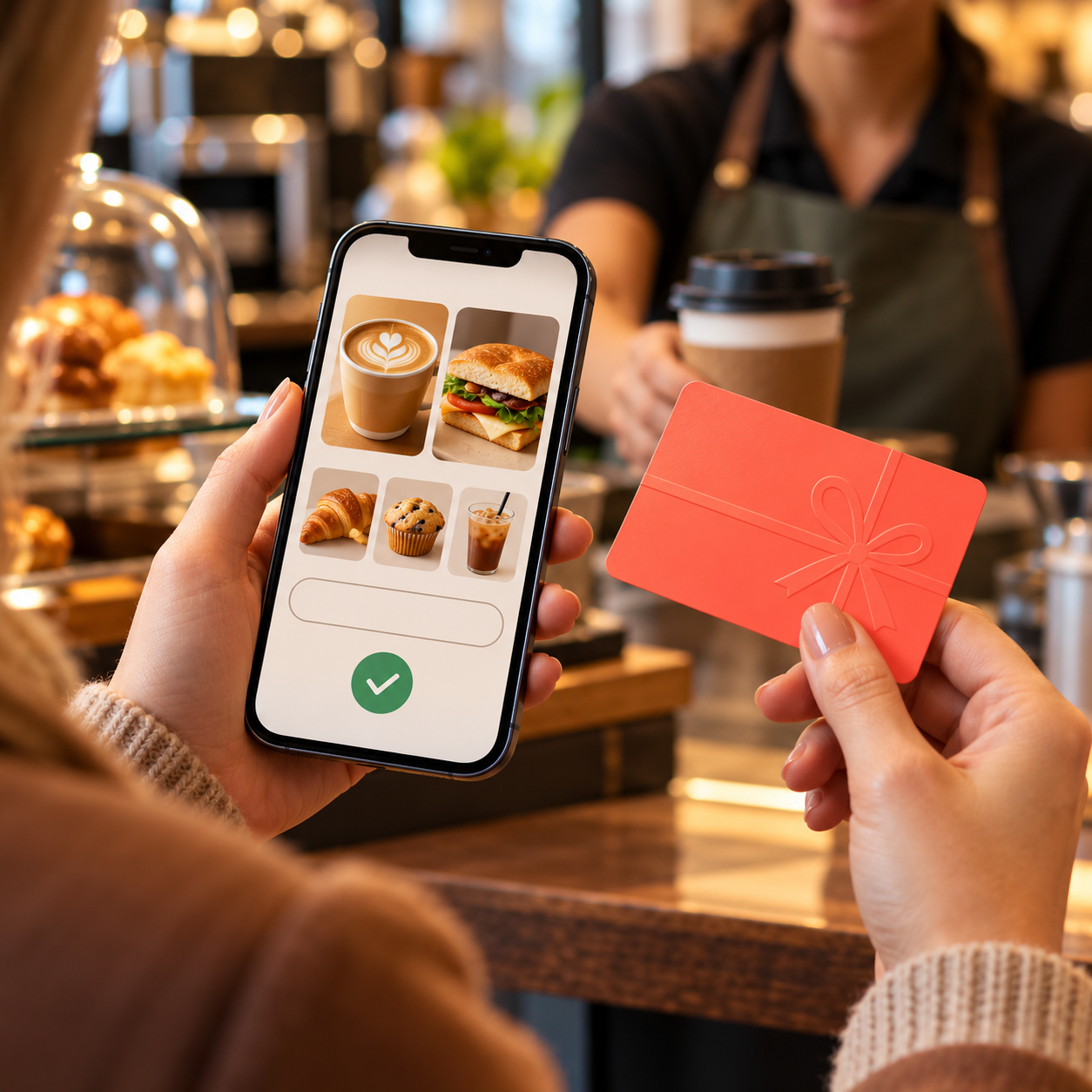
How to Redeem Hey You Gift Card in the App
A Hey You gift card is generally intended to be redeemed through the Hey You app or according to the instructions supplied with the product. The recipient may need an eligible account and access to participating Australian cafés or food venues.
This guide explains how to redeem Hey You gift card value, use it toward an order, and troubleshoot common issues. App labels can change, so follow the instructions shown with your specific card if they differ from the steps below.
Before Redeeming
Check the card or delivery email for its country, value, code, and redemption instructions. Confirm that the product is intended for Australia and that the recipient can access the Hey You app. The recipient may also need to sign in or create an account before adding value.
Make sure the app is updated and that the recipient is using the correct account. If a card is already linked to another account, it may not be transferable. Treat the code like cash until it has been accepted.
For other digital payment options, see Payment Gift Cards.
General Redemption Steps
The exact menu may vary by app version and card type, but the process commonly follows this pattern:
- Open the Hey You app and sign in.
- Go to the account, wallet, gift card, or credit area shown in the app.
- Choose the option to redeem or add a gift card.
- Enter the code exactly as supplied.
- Confirm the redemption and wait for an on-screen message.
- Check that the account balance or credit has updated.
If your card directs you to a separate official redemption page, use that route instead. Don’t enter the code into a third-party website or a general promotional-code field unless the product instructions specifically say to do so.
Place an Order with the Credit
Once the value appears in the account, browse venues available in the app. Menus and pickup options depend on location and participating businesses. Select the venue, choose food or drinks, and review the order details before paying.
At checkout, check whether the Hey You balance is selected as the payment method. Confirm the final amount, including any applicable charges. If the credit does not cover the full total, the app may require another supported payment method; this depends on the current payment rules.
A gift card intended for Hey You may not be accepted directly at the café counter. Follow the app’s instructions and confirm that the order is being placed through the correct account.
For everyday retail alternatives, explore Shopping Gift Cards or Supermarket Gift Cards. The Entertainment Gift Cards category covers a different type of digital gift.
Australian Region and Account Requirements
Hey You is an Australian ordering platform, so a Hey You gift card should be checked for Australian use before purchase or redemption. The recipient’s app region, account, currency, and local venue availability may affect whether the card can be used.
A card bought for Australia should not be assumed to work in another country. If the recipient is overseas, confirm the product terms and whether the app supports the location. Do not change account details simply to bypass a country restriction; that can interfere with payment or support.

If the Code Does Not Work
If you can’t redeem the card, check:
- The code has been entered accurately
- You are using the correct account and app
- The product is intended for Australia
- The card has not already been redeemed
- The code is still valid under its terms
- The redemption route matches the card instructions
If the balance does not update, close and reopen the app, then check the account again. Avoid repeated attempts if the app shows a security or account error. Keep the purchase confirmation and contact the seller or Hey You through its official support channel.
Do not send the complete code in a public post or to an unsolicited contact. If a screenshot is needed, hide the full card details.
Keep Track of the Balance
After redeeming, check the account balance before placing an order. If the card is used over several purchases, retain the original email or receipt until the value is spent. If you see an unexpected deduction, review the order history before contacting support.
The eGift Cards collection includes other digital options. You can also browse Gaming Gift Cards and Travel Gift Cards for different gifting occasions.
Summary
How to redeem Hey You gift card depends on the card’s instructions and the current app layout. In general, sign in to the Australian Hey You app, enter the code in the account’s redemption area, verify the balance, and select it at checkout for an eligible order.
Confirm account and region eligibility before redeeming, and keep the code private until it has been accepted.