


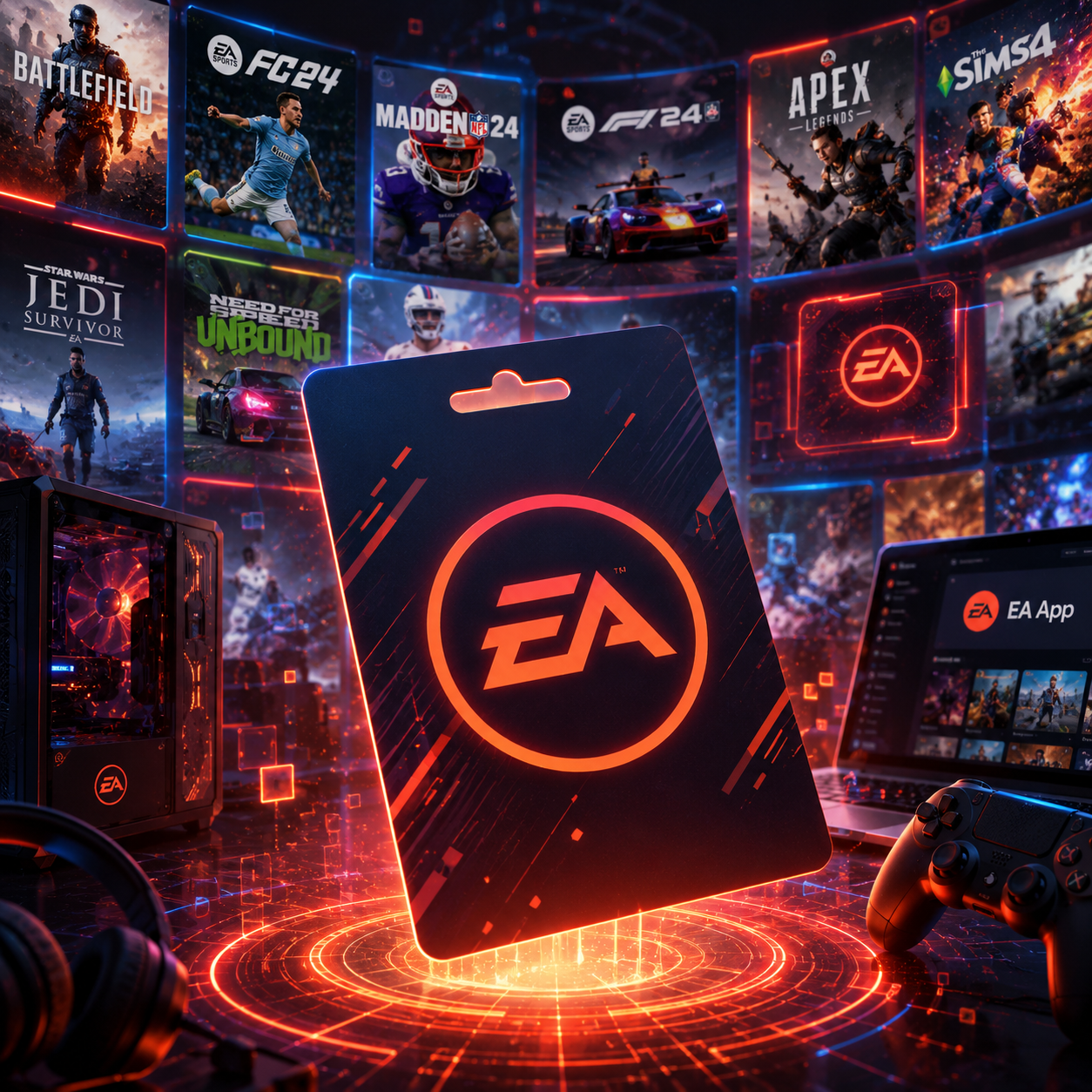
EA Gift Card Review: Is It Worth Buying for EA Games?
This EA gift card review covers the various uses of an EA gift card, including purchasing games, downloadable content, DLC, expansions, and other digital items. It also explains limitations worth knowing, such as account compatibility, platform restrictions, and regional restrictions. We look at the pros and cons and share buying advice to help you make a safer purchase.
Most of the time, adding funds to an EA account through an EA gift card is quick and easy, provided the card is not region-restricted, platform-specific, or limited to certain currencies. The gift card balance can only be used as intended when it matches the region of the EA account, product, and purchase method.
Read the card’s product description carefully and confirm that it matches the recipient’s EA account and the platform where the gift card will be used.
What Is an EA Gift Card?
An EA gift card is a digital code that can be used to purchase credit for an EA account, though the product name and specific terms may differ by region. Some gift cards are dedicated to EA account credit, while others may be specific to a certain region, platform, or type of digital purchase.
Depending on the card and account, the balance can be used for:
- Full EA games
- Expansion packs
- DLC
- In-game items
- Currency
- Game passes
- Subscriptions or game time
- Other products in the EA store
An EA gift card is different from a PlayStation, Xbox, or Nintendo gift card. Console stores generally have their own wallets, so an EA Account balance may not appear on a console.
If the player also plays games from different publishers, consider other Gaming Gift Cards before buying an EA-specific gift card.
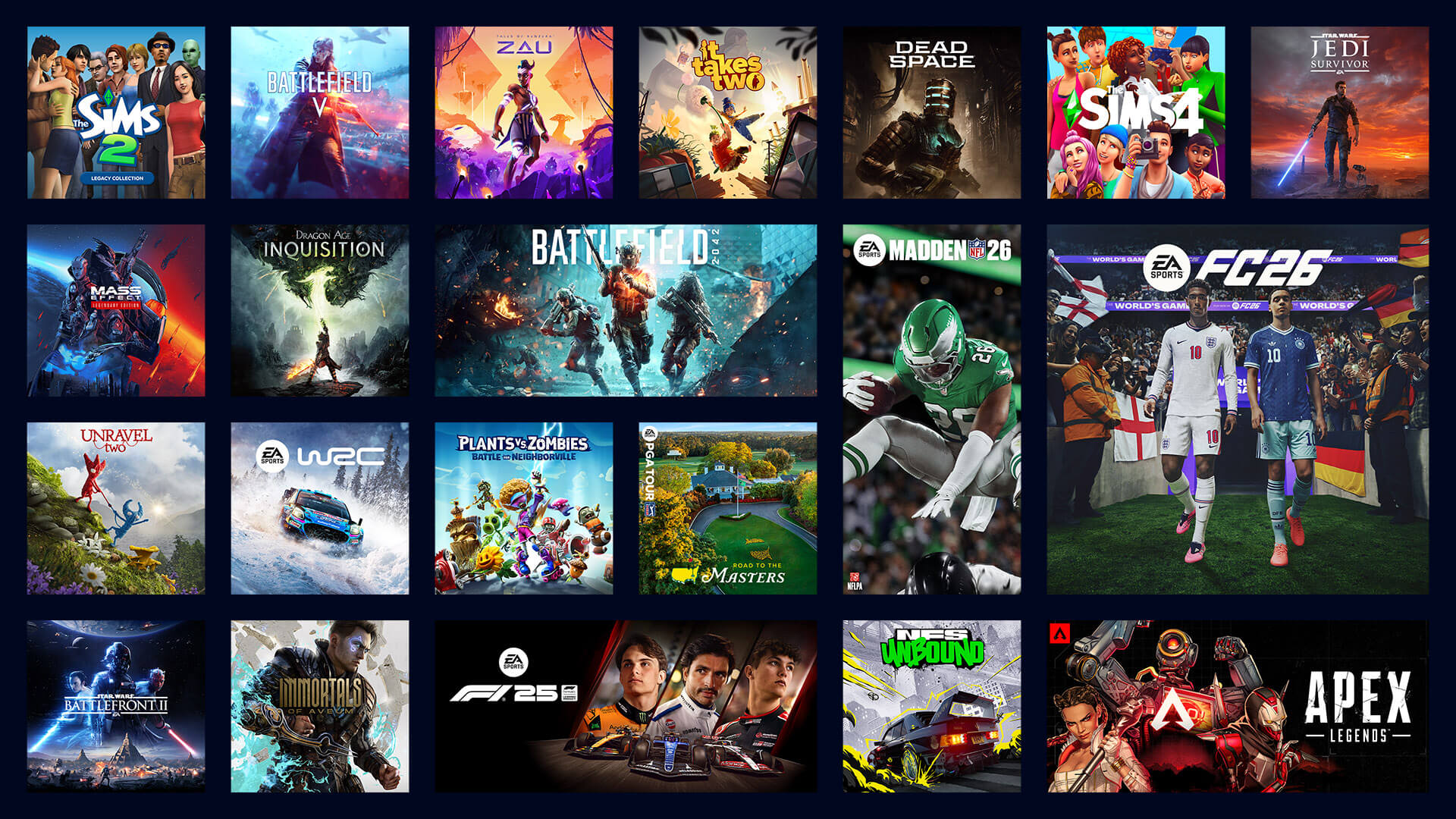
EA Gift Card Review: What Can You Buy?
An EA gift card provides prepaid credit for eligible digital purchases at a set value. Depending on the country and account, players can buy:
- Full EA games
- Expansions
- Special editions
- DLC
- Currency
- Cosmetic items
- Game upgrades
- Game time
- Subscriptions
- EA store items
Availability can change depending on the region and over time. Some games use different payment methods, and certain items may only be purchased through the console store or another platform.
The best way to determine payment options is to sign in to the EA account and view the local store. An older article or product description may not list the current payment options.
Buying EA Games and Expansions
An EA gift card can be useful for a player who wants to purchase a game or expansion at a set price. Once the credit is loaded, the player does not need to enter a debit or credit card for each purchase and can use the credit to buy eligible games.
An EA gift card can even be a nice present! The gift giver does not need to know the recipient’s login information. The recipient can enter the gift card code on the correct account to purchase a game.
Make sure to check the final price, as regional pricing and other charges may affect the cost. A gift card that matches the listed price may still be insufficient at checkout.
If the total cost is higher than the EA gift card balance, another payment option may be needed. Not all EA purchases support split payments, so check whether another payment option can be used with the remaining balance.
In-Game Content and Digital Services
In certain regions and games, EA account credit can be used for various types of digital content. This may include virtual currency, digital upgrades or bundles, passes, virtual items, and cosmetic changes.
Some games require purchases to be made through the EA App or EA website, while others use their console store or separate account systems. Remember that the payment system displayed at checkout is the final payment method to follow.
EA gift cards can help players set a fixed gaming budget. Once the prepaid credit is spent, further purchases cannot be charged to that gift card.
Both parents and gift givers should be mindful that digital content can be purchased very quickly. Keep spending limits and the value of in-game credits in mind before giving this as a present.

Compatibility Restrictions
When reviewing EA gift cards, consider whether the balance can be used through the EA App or EA website without a console. An EA balance may pay for purchases made through the EA App or EA website, but it may not function as a currency balance in a console wallet.
Here are the differences you should be aware of:
- The EA App or website may process purchases made on a PC.
- The PlayStation Store wallet may process purchases made on PlayStation.
- Microsoft or Xbox purchases may use the platform wallet.
- Purchases made on Nintendo may be processed through the Nintendo eShop wallet.
- Linking an EA account to another account on a different console does not ensure that the balance will transfer.
- Certain console purchases may require a unique gift card.
If most purchases are made through console stores, a PlayStation, Xbox, Nintendo, or other gaming platform gift card may be more suitable than an EA gift card.
Region and Currency Restrictions
EA gift cards are tied to specific countries and currencies, meaning a gift card purchased in one country may not work with an account registered to a different market.
When making a purchase, be sure to consider:
- The country listed on the product page
- The currency of the card
- The country associated with your EA account
- The region associated with the EA App, store, or other platform
- The local redemption terms
Accounts and products using different currencies may not be compatible. Using a VPN or changing the regional language may not change the region of your EA account.
If purchasing the card as a gift, ask the recipient which country their EA account is associated with and where they are likely to play. This can help avoid purchasing a code that will not be accepted.
Denominations
EA gift cards come in varying denominations. Consider your purchase carefully: smaller denominations may cover in-game content, while larger purchases, such as a full game or expansion, may require more credit.
For this EA gift card review, keep in mind the following points:
- Price of the intended game or expansion
- Cost of the selected in-game content
- Account currency
- Regional pricing
- Taxes and service fees
- Whether purchases will be made several times or just once
- Whether multiple cards can be combined
- Whether split payment is supported
Choosing the largest card is not always the best option. A card matching the player’s expected spending can help avoid leftover credit.
The redemption process for the gift card is usually simple as long as the card and account are compatible:
- Log in to the correct EA account.
- Open the EA App or go to the code redemption page.
- Choose the option to redeem a code.
- Enter the code from the delivery message.
- Confirm the account, region, and code.
- Submit the code and wait for confirmation.
- Check that the account balance has updated.
Do not add spaces, change letters, or guess unclear characters. If the code has already been entered, check the balance before entering it again.
If the code is not accepted, check the instructions for the region, currency, account, platform, and product.
Is an EA Gift Card Worth Buying?
Who should buy an EA gift card:
- Players who consistently purchase EA games
- Players who want to purchase EA digital credit
- Players who prefer prepaid methods
- Parents who want to set a spending limit
- Gift givers who know the player’s region
- Players with a specific EA game or expansion
Who should not buy an EA gift card:
- Players who do not use EA products
- Console players who need credits for their platform’s wallet
- Players with an unknown region
- Players who want a general gaming card
- Players who want to transfer the card between platforms
- Players who want to cash out the card
An EA gift card is most beneficial when the recipient has a compatible account and knows what they want to buy.
Pros of an EA gift card:
- Prepaid value
- Eligible digital content
- In-game purchases
- Giftable
- Account-specific
Cons of an EA gift card:
- Country or currency lock
- Console store wallet restrictions
- Some products are not covered
- Balance cannot be transferred
- Cannot be cashed out
- The code may be non-refundable and non-transferable
- Product availability and terms may change
These points do not make the card a bad choice, but buyers must check compatibility before purchasing.
Safe Buying Advice
Purchase from a reputable seller and examine the product page carefully. The listing should clearly state the card value, supported country, currency, platform, delivery method, redemption procedure, and refund policy.
Avoid sellers that:
- Need your EA password
- Need your account login
- Offer unusually large discounts
- Ask for payment to a personal account
- Do not specify the card region
- Are unclear about delivery or refunds
A trustworthy seller does not need the recipient’s login to deliver a code. Keep the order confirmation, receipt, and delivery email until you redeem the balance.
You can browse the available selections in the prepaid gift card store. For prepaid options other than gift cards, see Payment Gift Cards.
Other Gift Card Options
Entertainment Gift Cards can be more versatile if the recipient uses many digital services. For physical retail shopping, Shopping Gift Cards can be used for a wide variety of items.
A Supermarket Gift Card can be used to buy groceries, while a Travel Gift Card can help cover purchases on a trip.
An alternative to gift cards is a Flexepin voucher. Like gift cards, restrictions on country and currency must still be checked before a purchase is made.
There are many available options to suit your gift card shopping needs.
Conclusion
This EA gift card review concludes that the card is a solid purchase for certain players. The card is useful for eligible EA games, expansions, downloadable content, in-game items, and certain account services.
The primary details to consider are the account region, currency, platform, supported products, and denomination. If all of these line up, EA gift cards are a practical way to manage digital spending and provide gift credit for gaming purchases.


