



























Roblox Gift Card Code Not Working? Common Fixes
Claiming the value of your Roblox Gift Card should be as simple as buying it, scratching off the pin, entering the code on your Roblox account, and then spending the balance on Robux, Roblox Credit, or a subscription to Roblox Premium if your account is eligible.
Unfortunately, it does not always work that way. Sometimes the code will not work, and a user may want to spend the Robux and not be able to. In the case of receiving the gift card as a present, this scenario may be very frustrating as it is completely out of the person’s control.
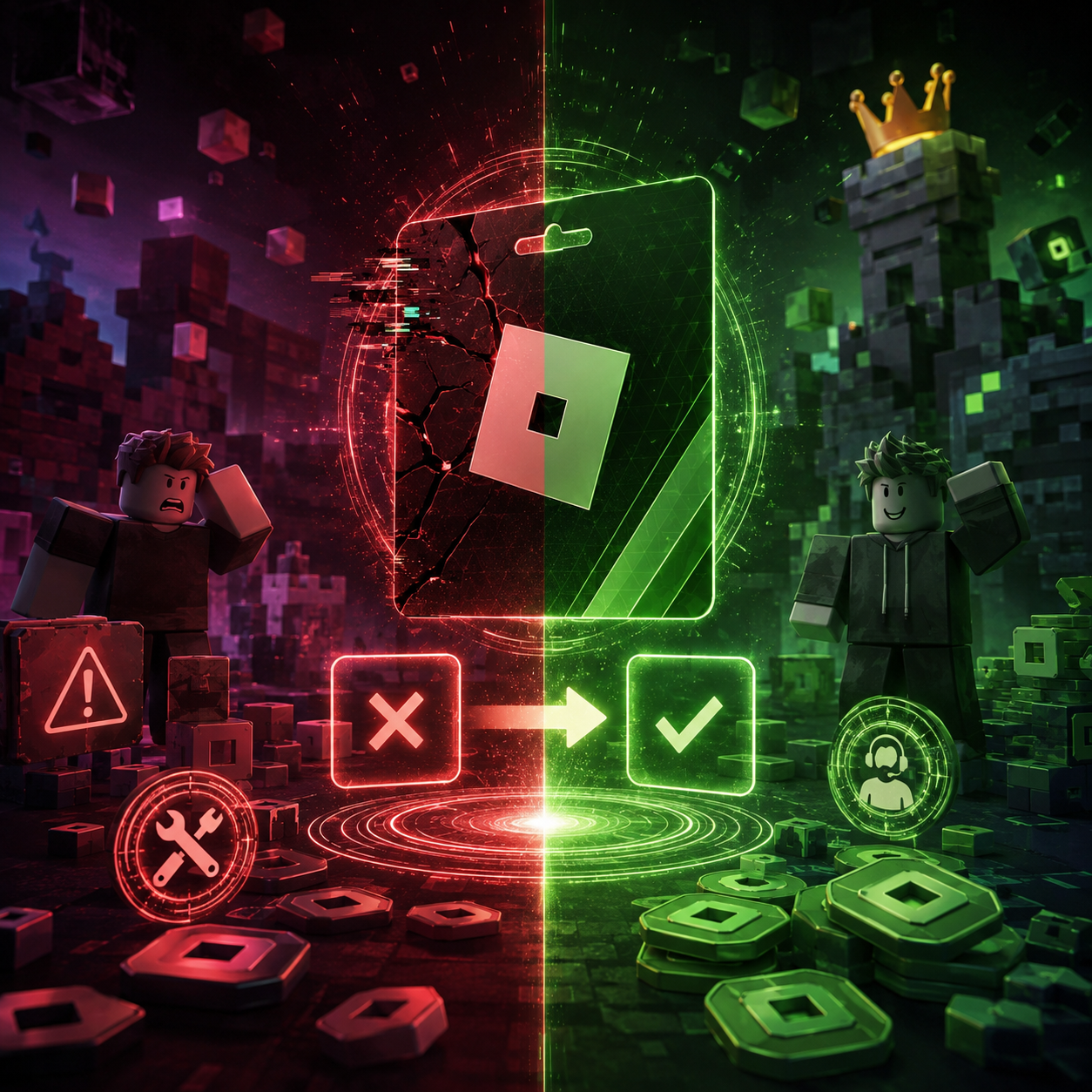
If a Roblox gift card code not working issue happens, don’t throw the card away. It could be a number of things from issues related to the region, account issues on Roblox, the card being used, or the formatting of the code. There is also the chance there is no balance left on the card.
This is a summarized list of the options available to try and figure out why the gift card code is not working prior to contacting customer support.
What Are Roblox Gift Card Codes?
A Roblox Gift Card code is a prepaid code that is tied to a specific Roblox account and can only be used once. After a code has been redeemed, Roblox states that you will receive a confirmation message once the credit or item has been added to your account. To preserve the integrity of their system, Roblox gift cards can only be redeemed from a web browser on the Roblox website.
The code gives real money value to a Roblox account. Most gift cards let users first receive Roblox Credit, which is a form of balance that the user can convert into Robux or use to buy a Roblox Premium subscription.
This is why it is so important to redeem the code on the right account: if the code is redeemed on the wrong account, that account will also receive the money.
Why Is My Roblox Gift Card Code Not Working?
There are a number of reasons a Roblox gift card code may not be working.
Potential reasons include the card being used, the money having delayed visibility, the user being logged into the wrong account, the seller not activating it, the wrong area of the account, or the region and browser mismatch.
The majority of problems occur because people overlook obvious things. Start with a clear focus on the code followed by a clear step through of the account, balance, seller, and browser.
1. You Entered the Code Wrong
You may be experiencing the Roblox gift card code not working issue because the code was simply not entered correctly.
Long gift card codes can be particularly hard to remember, and if they are off by a single letter or number, Roblox will reject the code. In fact, if the code was sent to you via email, the copy and paste method may even add an extra space in the box.
Do not waste time on anything else, simply look over the code again.
Make sure you do not have extra spaces before or after the code. Ensure you didn’t miss any characters. Make sure to not confuse similar-looking letters and numbers. If you are having trouble copying and pasting the code, try typing it in.
If you are trying to redeem the code on a different page, make sure to visit Roblox.com/redeem, sign in, type in the code, and hit redeem. Do not try to redeem the gift card code on any sketchy third-party websites or anything that looks unofficial.
2. You Are Trying to Redeem the Gift Card in the Wrong Place
Some people think the code is broken because they try to redeem Roblox gift cards through the mobile app or through a console. For most people, this is not the correct method.
The safest method is to use an up-to-date browser like Chrome, Safari, or Edge. Go to Roblox.com/redeem and log in to the right account.
If the code is still not working after using multiple browsers and devices, the code may not be the problem. The issue may be connected to the account, card activation, region, or whether the code was already used.
3. The Gift Card Code Has Already Been Redeemed
Another reason is that the code has already been redeemed.
A Roblox gift card can only be redeemed one time. If the system says the code is already used, check to see if maybe it has already been added to another Roblox account.
This may be the case for people with multiple accounts. It could be an older account, a newer one, or an account that uses a different login method. Sometimes codes get accidentally redeemed by the parent’s account instead of the child’s.
Also, if someone else has been given the code, that can be an issue. It could have happened through a screenshot, an email that was forwarded to someone else, or exposed PINs that could let someone else redeem it.
If you purchase the card from a sketchy buyer, you may run into problems where the code was already used before it was sent to you.
4. The Balance Is Not Showing After Redemption
Sometimes the code is accepted, but the user does not receive any Robux.
Most times, Roblox gift card redemptions do not credit your account with Robux immediately. Instead, they usually credit your account with Roblox Credit.
After redeeming the card, check the balance of your Roblox Credit to see if anything was added. If you also got a virtual item with the card you redeemed, check to see if it was added too.
If your balance still shows nothing, double-check to see if you are using the correct Roblox account since this mistake happens often.
You may try refreshing, logging out and back in, or waiting a couple of minutes. If you got the confirmation message and see nothing after, save the receipt and contact Roblox Support.
5. Roblox Credit vs. Robux
This gets confusing since users expect to see Robux.
Your account balance shows Roblox Credit, and Robux is currency that can be used to buy goods in Roblox such as avatar items, game passes, private servers, and more.
Seeing Roblox Credit is normal since it can be used to purchase Robux or Roblox Premium depending on your account and what purchase options you have.
Check if the Roblox Gift Card adds Roblox Credit or direct Robux. There may be different labels on the card.
6. Incorrect Account Used
The card might appear like it does not work if the incorrect account is used.
In family cases with multiple children playing Roblox, it is important to check the Roblox username, email, and account login method before redeeming.
When parents buy digital Roblox Gift Cards, the best way to do this is by sending the code to the player and having them redeem it in their account.
If a code is redeemed to the wrong account, it can be challenging to move the remaining Robux or credit. While you can try reaching out to Roblox Support, do not count on them to assist you with a transfer.
7. The Seller Did Not Activate the Card
With physical cards, this can be due to improper activation at checkout.
For digital cards, the seller could have provided you with the wrong code, an unactivated code, a code for a different product, or one that has already been used.
This is why you need to buy from reliable retailers. Review your order details and seller contact information before contacting Roblox.
If you receive an unactivated code, an invalid code, a used code, or one that is redeemed with a lower value than you paid, contact the seller.
Please do not share any code publicly as it should be treated as money.
8. Regional Issues or Account Issues
Roblox Gift Cards are purchasable from many countries, but some users still have issues with regions and payment methods.
Depending on the country, there are different cards, prices, and redemption options. After redemption, there are things to consider such as the user account, payment method, currency, and local availability.
When you encounter a Roblox gift card code not working issue, make sure the code is valid. There may be issues with the country of the card, seller description, account region, or country of the account.
When an account user is in a different country than the card, not every card behaves the same. It would be best to buy a card meant for the country of the recipient.
9. Issues With the Browser or Roblox Page
The issue may not even be with the card.
The Roblox redeem page may be experiencing temporary problems, or the browser may be causing an obstruction. If the code is valid, try again later.
You may also log out and log in again, switch the browser, switch the device, or clear the cache. If the site is acting up, be careful with entering the same code multiple times. Do all the basic checks before retrying.
Roblox Gift Card Code Not Working? What to Check
Have you noticed some problems when redeeming the Roblox Gift Card? No worries, just follow this checklist.
It may be that you are putting the code in wrong. Please make sure there are no spaces in your code and that the letters and numbers are typed exactly as they are on the card, as some cards have specific placements for each character.
Also make sure that the card is not used or expired. If someone has used the card by accident or if you cannot see the balance, check under Roblox Credit and not only Robux.
Then check the card details and confirm the card is activated, sent to you, and bought for the correct country. Some cards will not be valid in certain regions. Do not put your full card PIN on the internet.
Roblox Gift Cards: Problems and Solutions
In order to avoid problems with Roblox cards, do not use incorrect or unreliable sellers, do not use the wrong Roblox account, make sure to redeem cards on the official webpage, and keep the receipt. Don’t disclose the code to anyone, and check whether your type of card is a Roblox Credit card or a Robux card.
You can also see Gaming Gift Cards or other Online Gift Cards if you are buying for someone who plays other games too.
If they play Roblox a lot or enjoy gaming in general, you still might consider getting them a Roblox Gift Card.
This card allows the parent to restrict the spending and leaves the child the choice to use the card value to buy Robux or Premium. Just remember to check the account to avoid coding errors, account issues, confusion regarding already redeemed codes, or other issues.
It isn’t uncommon to see a Roblox gift card code not working message. To troubleshoot, check the account and code structure, check the right page to redeem it, and check if the balance appears as Roblox Credit instead of Robux.
When everything is correct with the account, it functions great as a gift. Just be sure to keep the card code secret, redeem it through the browser, and make sure it is credited to the correct account.