




























Buy Xbox Gift Card Online: Safe Guide for Games and Store Credit
Players from all over the world love using gift cards for the Xbox gaming platform. Customers often do not want to use a bank card to make a purchase. This is why many of them type buy Xbox gift card online in the search bar before selecting their gift card.
An Xbox gift card is handy as it gives Xbox or Microsoft account balance to the receiver, which is way more useful than getting a single game.
You can purchase gift cards for Xbox, but you have to check a bunch of things first: account region, type of currency, balance restrictions, type of gift card, and more. This document will help you understand how to correctly deal with these things and how to buy Xbox credit more safely.
What Is an Xbox Gift Card?
An Xbox gift card is a digital or physical prepaid code that can be redeemed to add money to a Microsoft account. The money that is then added becomes part of the balance in the Microsoft account. This balance can be used to make purchases at Xbox and Microsoft stores.
Microsoft explains that Microsoft and Xbox gift cards, download codes, and tokens function similarly. Once redeemed, a Microsoft account holder’s balance can be used at the Microsoft Store online, Microsoft Store on Windows, and Microsoft Store on Xbox. Purchases can include downloads for apps, games, movies, and TV shows. In certain countries or regions, users can also use the balance to purchase Surface devices, Xbox consoles, and accessories.
Gift cards are also great for flexibility when purchasing for Xbox users. Instead of buying one exact game for someone, you can give store credit and let them decide.
The card function is not the same as cash. The code will need to be kept private because the first person to redeem it will take the value.
How Xbox Balance Works
When someone redeems an Xbox gift card, that value gets added to their Microsoft account balance, which can be used to make purchases.
This is important because, once redeemed, the value does not remain on the gift card. It gets converted to an account balance on the Microsoft account that redeemed the card.
If a gift card recipient has multiple Microsoft accounts, they should make sure to use the correct email address before entering the code. If the code gets redeemed on the wrong account, the money could be stuck there.
Microsoft’s policy regarding gift cards states that gift cards are added to the Microsoft account and the account holder can use it to buy eligible items at participating stores, including Microsoft Store online, Microsoft Store on Windows, Xbox One, and Xbox 360 with Xbox Live.
Where Can You Purchase Xbox Gift Cards?
When buying Xbox gift cards online, pick one that is reputable. Xbox gift cards can be purchased from official retail partners, authorised sellers, and reliable online gift card retailers.
If you need an Xbox gift card quickly, a digital gift card is a good option. You can receive it via email or text message, which works well for birthdays, holidays, last-minute gift ideas, or gaming top-ups.
Make sure the product title states “Xbox gift card”, “Microsoft gift card”, “Xbox store credit”, or “Microsoft account balance” before making a purchase.
Xbox gift cards are not the same as specific download codes, Game Pass codes, and subscription cards, even though they may all be helpful.
Buying Region and Currency Gift Cards
When purchasing Xbox gift cards, region and currency are the two most important factors. The card should be in the same region as the Microsoft account of the person you are sending it to.
Because of this, users frequently face region errors when trying to redeem a code that is meant for a different country.
The Microsoft account region and store region should be the same. This means that if someone has a U.S. Xbox gift card, they cannot use it on an account that is set to New Zealand, Australia, the UK, Europe, or any other country.
This is important when buying Xbox gift cards as gifts for people who live in other countries. The location of the person’s console is not as important as their Microsoft account region and store region.
The card could potentially be a huge waste of money if it is from another country and is locked to a region.
What Can You Purchase With It?
Depending on the store and account, Xbox gift cards can be used for a variety of eligible Xbox and Microsoft Store purchases. This can include digital games, add-ons, downloadable content, in-game currency, apps, movies, TV shows, and subscriptions.
This is why gaming gift cards are useful. They don’t have to buy a specific game and can instead let the recipient choose what they want.
For those who use Xbox consoles, the card will be applicable to buy Xbox games, DLC, and other add-on content for the store. If they use a PC, it may cover purchases in the Microsoft Store or Windows Store if applicable.
The card might even be helpful during a sale in the Xbox Store. The receiver may choose to hold the balance and spend it when a game or add-on is on sale.
Use on Xbox One, Xbox Series X|S, and PC
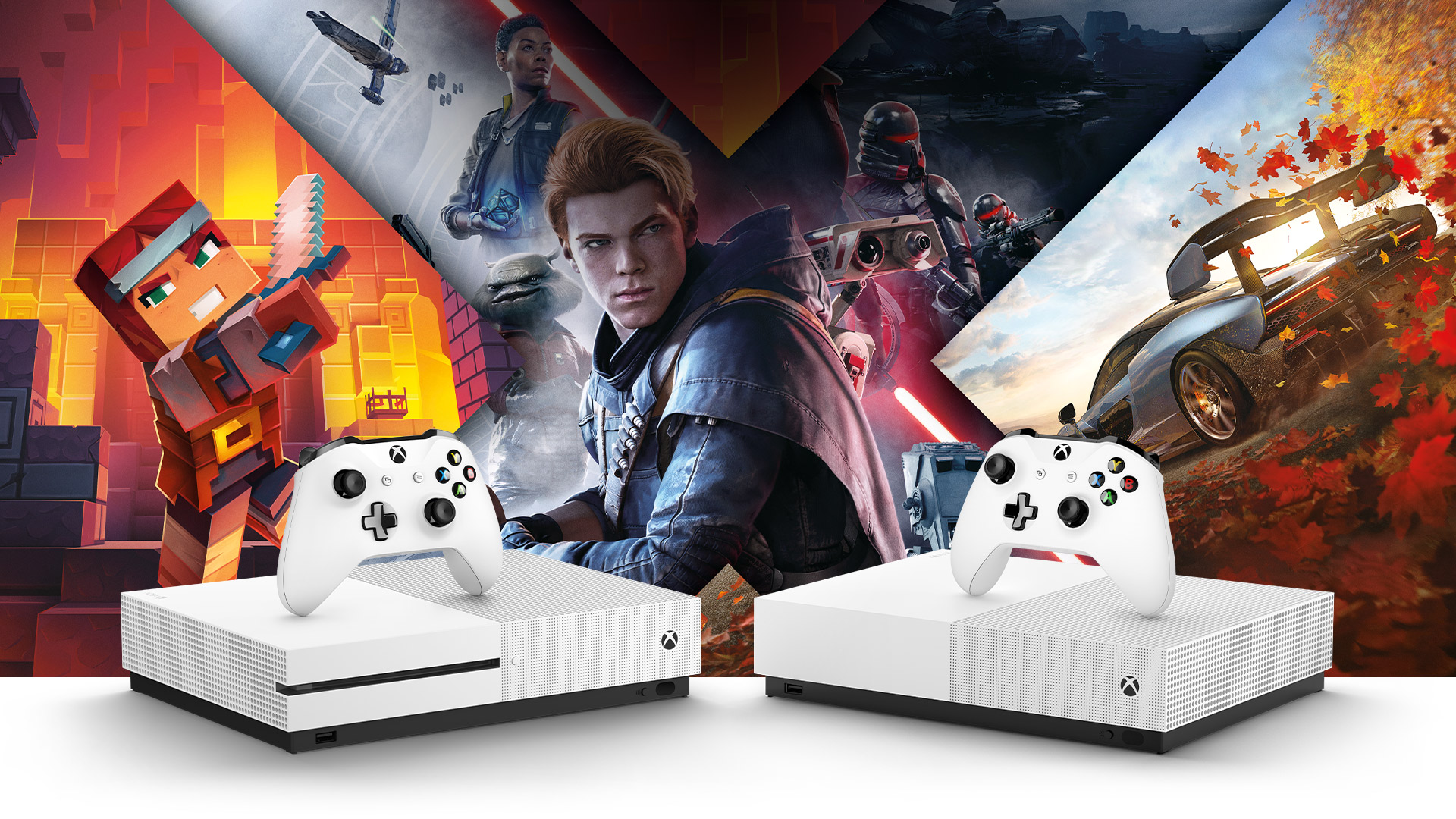
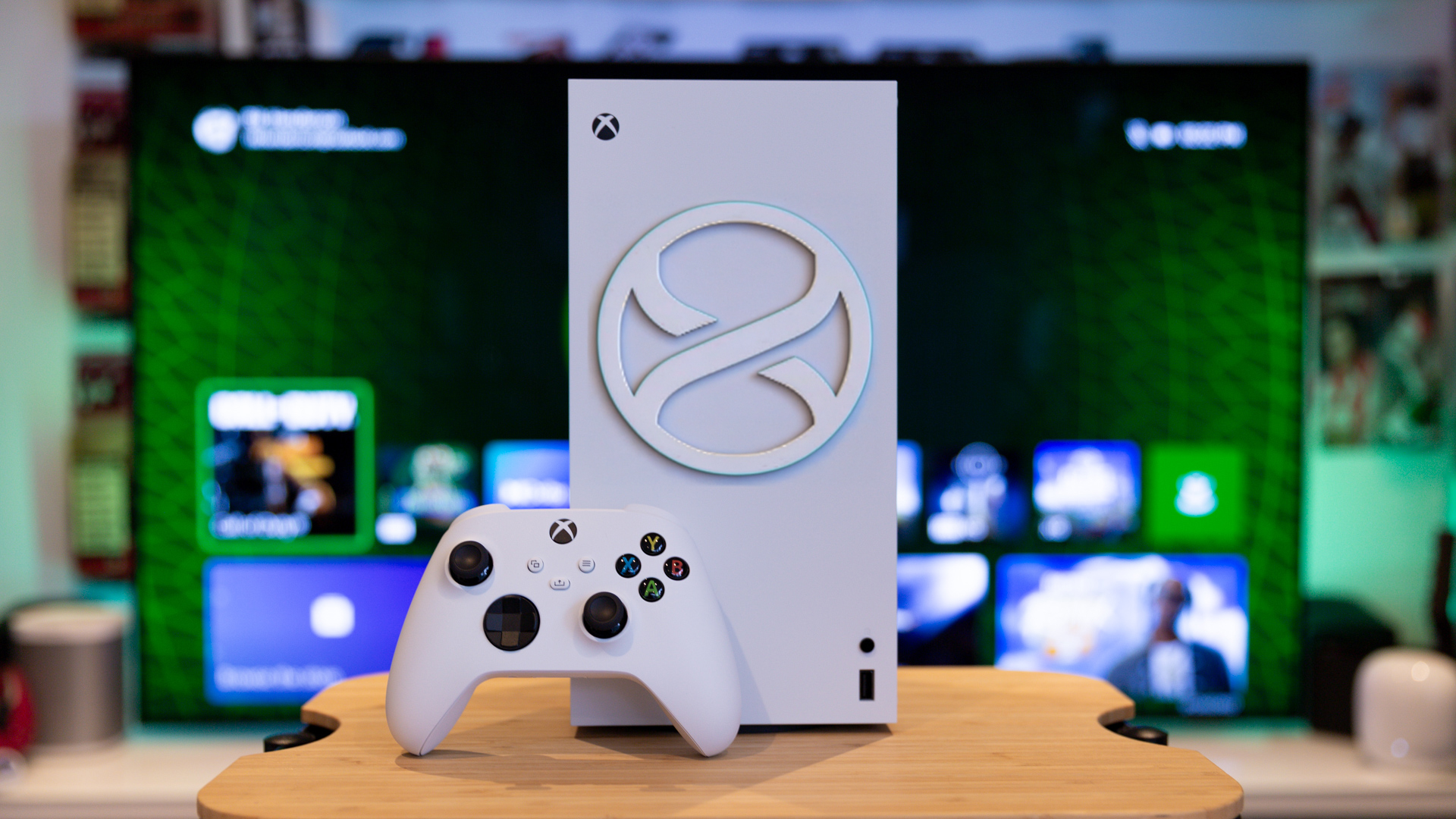
Xbox gift cards are likely not limited to any one console generation as they are associated with a Microsoft account. This means they can be used for purchases on Xbox One, Xbox Series X|S, and even Windows PCs.
This means that you do not even need to know which Xbox console the recipient of the card has. If their Microsoft account is able to redeem the card and access store content, the credit will be usable.
A user on Xbox Series X|S might use their balance for newer games, add-ons, or subscriptions. Those still using Xbox One will be able to use it for compatible Xbox One games and content.
Gamers using the PC Xbox app or Microsoft Store gaming content may also find the balance useful depending on the product and region.
Balance Value
Value selection can be important when purchasing Xbox gift cards. Low-value cards could be used for game add-ons, indie games, in-game currency, or for part of a bigger purchase.
Medium-value cards are better for discounted games, DLC bundle purchases, or contributions to subscriptions.
High-value cards are better for purchasing new-release games, other big purchases, or for gamers who shop frequently at the Xbox Store.
Consider the type of gamer profile when selecting a value. Do they buy full-priced games, small add-on purchases, subscriptions, or many in-game purchases? If you are not sure what they want, a mid-range gift card is the safest option.
Keep in mind account balance limits. Microsoft sets limits on how much gift card balance can be added in a day, how much can be spent in a day, and how much can be stored in a Microsoft account, with some exceptions for different countries.
Limitations of Balance and Accounts
There are limits to how much money can be in a Microsoft account balance. Microsoft’s support page mentions daily limits of USD 1,000 on adding money or redeeming gift cards, USD 1,000 in spending, and a maximum storage amount of USD 1,000. This is also true in the user’s currency if they are not in the USA. There are exceptions for specific countries, including New Zealand.
Redemption failures can occur even if the code is valid due to account limits, invalid or inactive accounts, or other issues. Typically, this isn’t an issue with small gift cards. However, this can become a problem if the user has a large Microsoft account balance or is redeeming multiple cards in quick succession.
If a large value code isn’t redeeming, the user must consider balance limits, account region, and redemption activity before attempting to redeem the code again.
Incorrect region cards are one of the most common Microsoft and Xbox gift card buying mistakes. Region mismatch is also one of the most common reasons Xbox and Microsoft gift cards are unredeemable.
Another mistake people make is thinking an Xbox gift card is the same as an Xbox Game Pass card. Game Pass cards provide a subscription or benefits rather than a balance. Xbox gift cards, on the other hand, add balance to your account.
Gift cards should be treated like cash and sent through safe channels.
Finally, some buyers don’t check the seller before choosing the cheapest code. Invalid, region-locked, used, or poorly delivered codes can easily cause problems.
Trustworthy sellers should be used to avoid these issues. Codes issued for the incorrect region, invalid codes, or used codes can easily cost you money and are frustrating to deal with. Always check the details and terms before you buy.
You can buy online gift cards, but once you buy one, don’t show anyone the code. Do not post it in public chats, social media, or screenshots.
Ensure that the product page states Xbox gift card, Microsoft gift card, Xbox Store credit, or Microsoft account balance. If the gift card recipient uses a different gaming platform, check other digital gift cards instead.
Who Is It Good For?
An Xbox gift card is good for those who already use Xbox or Microsoft Store. This could include Xbox One players, Xbox Series X|S players, PC gamers, students, casual gamers, and people who buy digital games or add-ons.
It can be a birthday gift, holiday gift, thank-you gift, gaming reward, or top-up gift.
When you are unsure of what game to buy, it is also helpful. The recipient can select their own content and you won’t run the risk of buying a game that they already own.
If the recipient does not use Xbox, prefers PlayStation or Steam, or needs credit for another platform, a different gift card might be better.
Is It Worth Buying?
An Xbox gift card is worth buying only if the recipient has a Microsoft account in the correct region and uses Xbox or Microsoft Store.
It is also especially useful for digital games, DLC, in-game content, apps, movies, TV shows, and store credit.
However, it is not worth buying blindly. If the region is wrong, the recipient does not use Xbox, or the account cannot accept more balance due to limits, the card may be useless.
Conclusion
When considering how to buy Xbox gift card online, there are many safety issues that relate to region, currency, vendor trust, and Microsoft account balance guidelines.
Purchasing an Xbox gift card involves many benefits such as flexibility of use, digital delivery, support for games and store purchases, and use on some Windows purchases. Risks include buying an Xbox gift card for the wrong region, purchasing the wrong type of product, exceeding account limits, and sharing the gift card code too openly.
An Xbox gift card can be a useful gift if Xbox or Microsoft Store is used in the right region for games, add-ons, subscriptions, and store credit.